
How to add a USCIS case
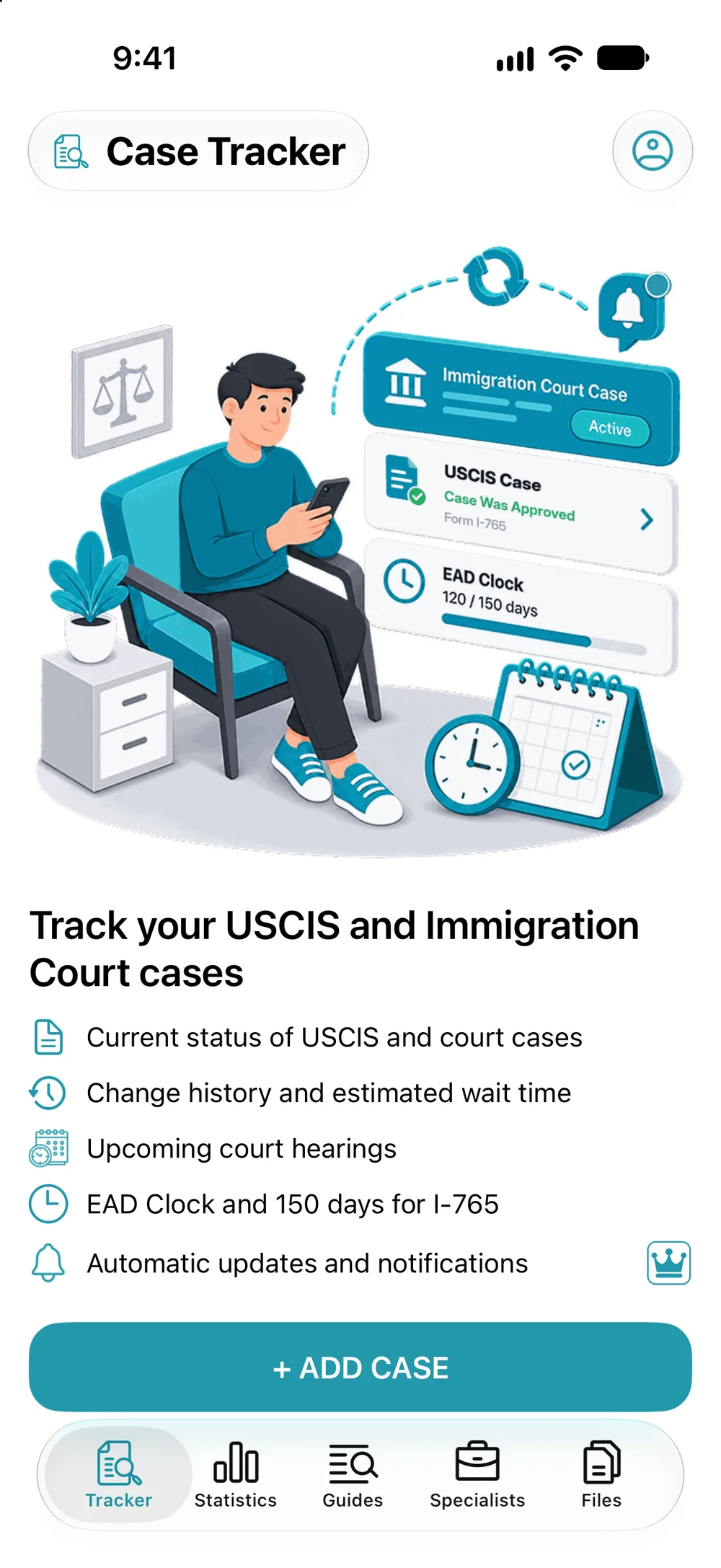
- Tracker, the “+ ADD CASE” button.
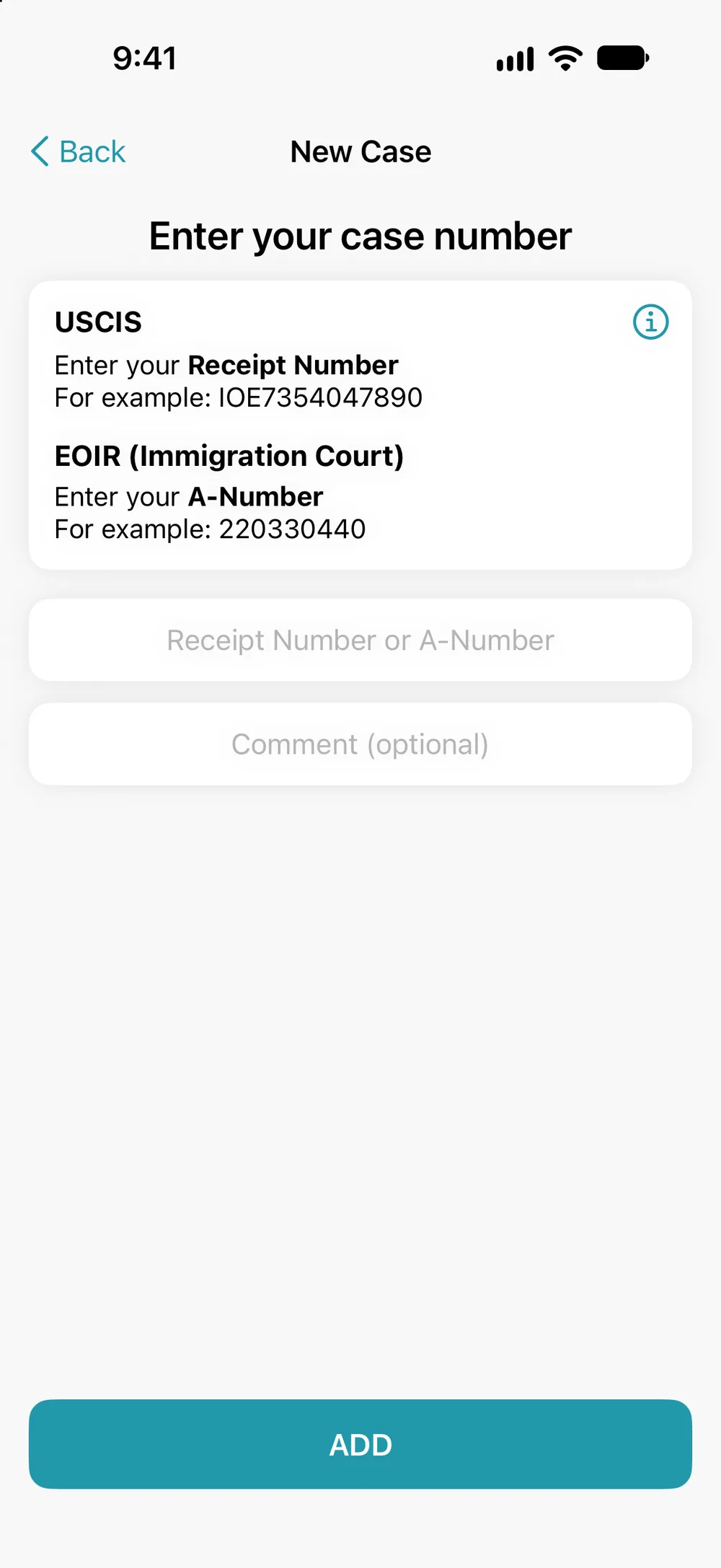
- In the “Receipt Number or A-Number” field, enter your number.
- Add a comment if you like, then tap “ADD”.
If it’s an I-589 with no filing date, the app asks you to enter it.
If it’s an I-589 with no filing date, the app asks you to enter it.