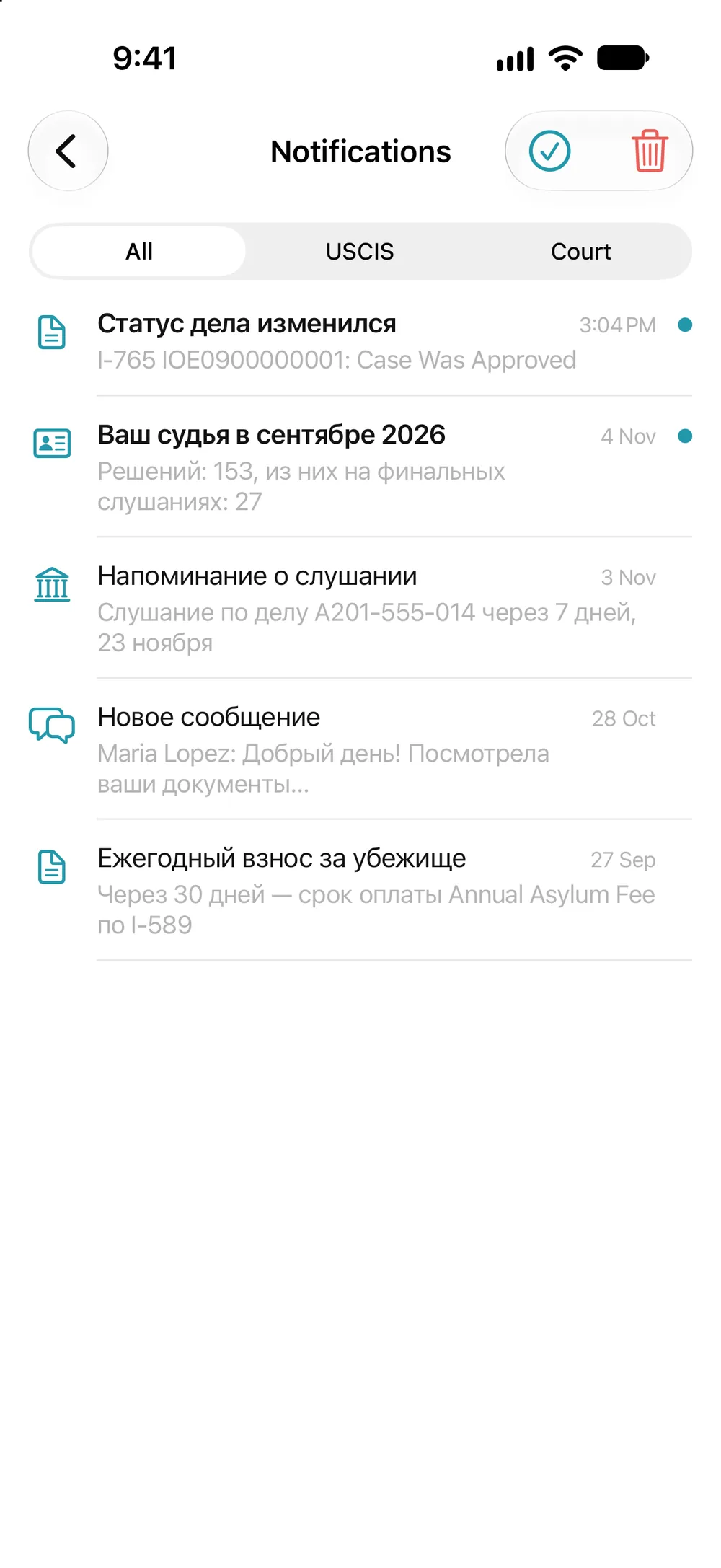
Annual Asylum Fee
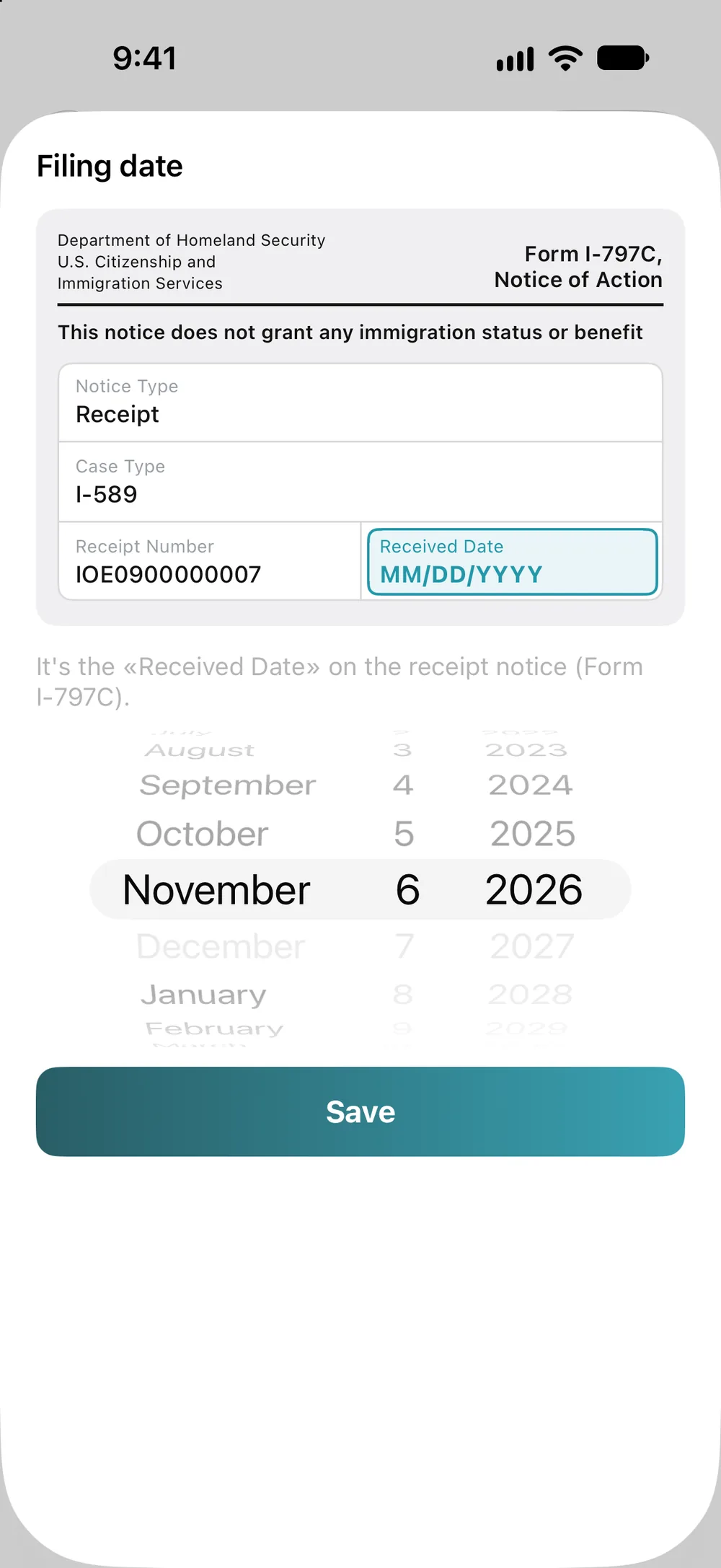
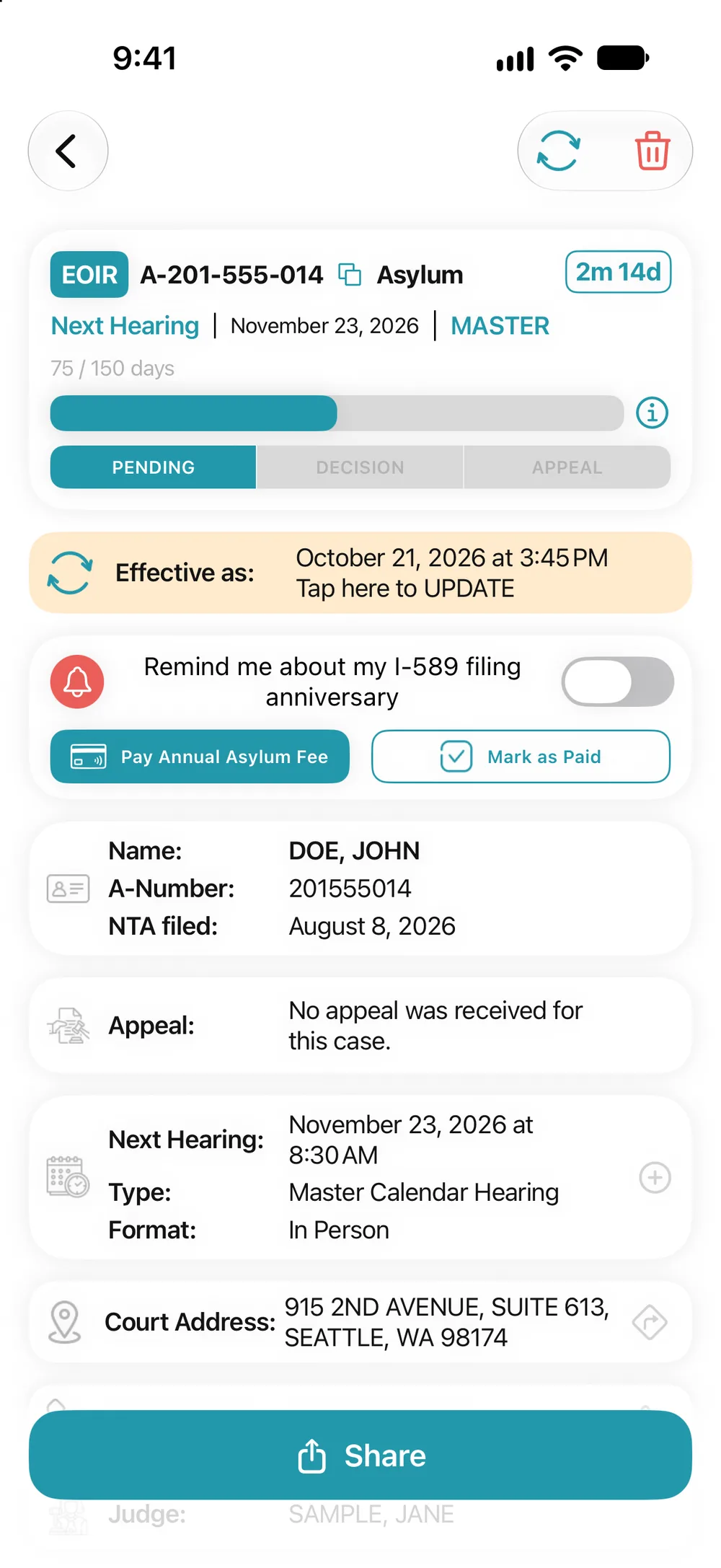
Don’t miss the annual asylum fee: the app reminds you of your I-589 anniversary and gives you the payment link.
Tutorial
Lessons on real app screens: signing in, USCIS and court cases, documents, specialists and statistics.
All you need to register is an email and a password: no name, no phone number. Signing in with Apple even lets you hide your email. You can also tap “Continue without an account”: statistics, guides and specialists are open to everyone.
With email, you need a password of at least 8 characters and a 4-digit code from the message you receive. With Apple or Google, the app gets the email and name from your account. In the Apple window, you can change the name and hide the email: “Hide My Email”.
Until you add a case, the Tracker shows what the app can do. Tap “+ ADD CASE”. Without an account, the app asks you to sign in first.
Receipt Number: 3 letters and 10 digits, shown on USCIS notices. A-number: 8 or 9 digits. The ⓘ icon shows where to look for them on your documents.
The app figures out on its own whether it’s a USCIS case or a court case. For a court case, you also need to select a nationality. Then tap “ADD”.
A USCIS case opens right away: form, status, time elapsed and stage.
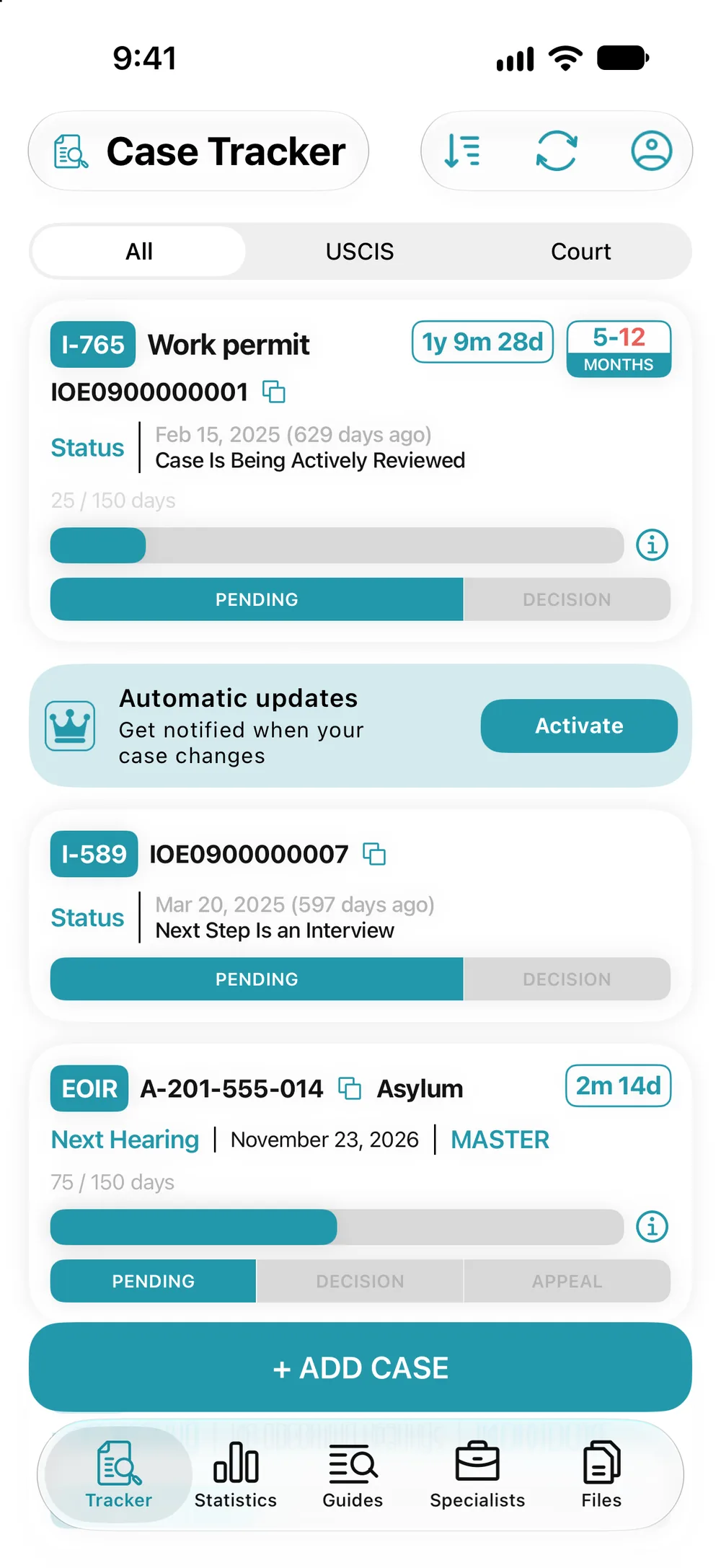
USCIS and court cases sit side by side. Tap a card to open the case. Refresh, filter and sort are at the top of the screen.
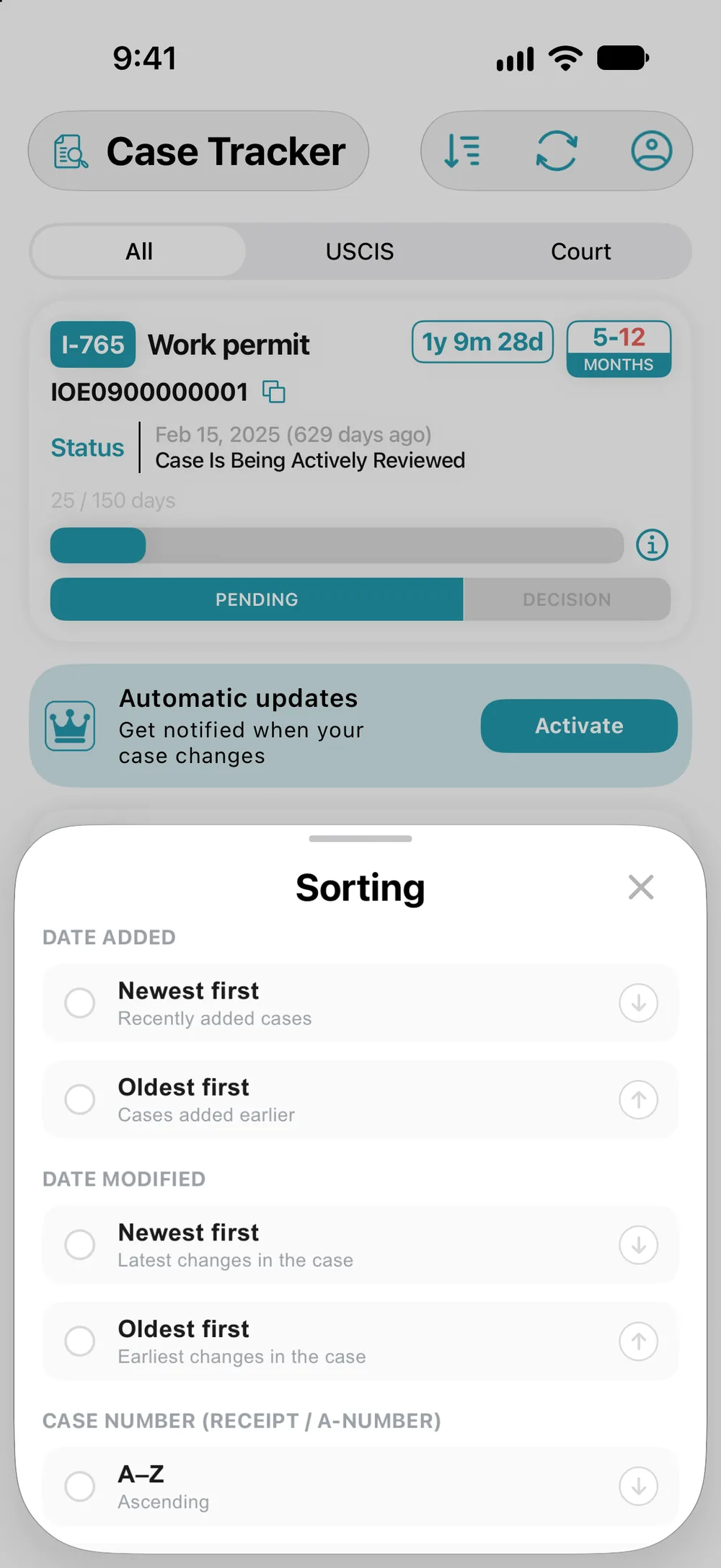
The icon at the top opens sorting. Next to it is the refresh icon: it checks all your cases at once.
By date added, date modified, case number or form type, in either direction. The last option on the list is “Manual”.
Press and hold a card, then drag it where you want it. Sorting switches to “Manual” on its own.
Swipe a card left and a “Delete” button appears. On the case screen, use the trash icon.
Tap it, or swipe the card all the way.
The app asks again: the form can’t be restored. Your actual case at USCIS or in court doesn’t change in any way.
The switch at the top leaves only court cases. A colored border means the case has an outcome, and an orange clock means the EAD Clock is stopped.
Or only USCIS cases. “All” brings back the full list. Tap a card to open the case.
Tap the refresh icon in the case, or pull down the list in the Tracker. With Premium, USCIS statuses update on their own, and you get a push notification and an email when something changes.
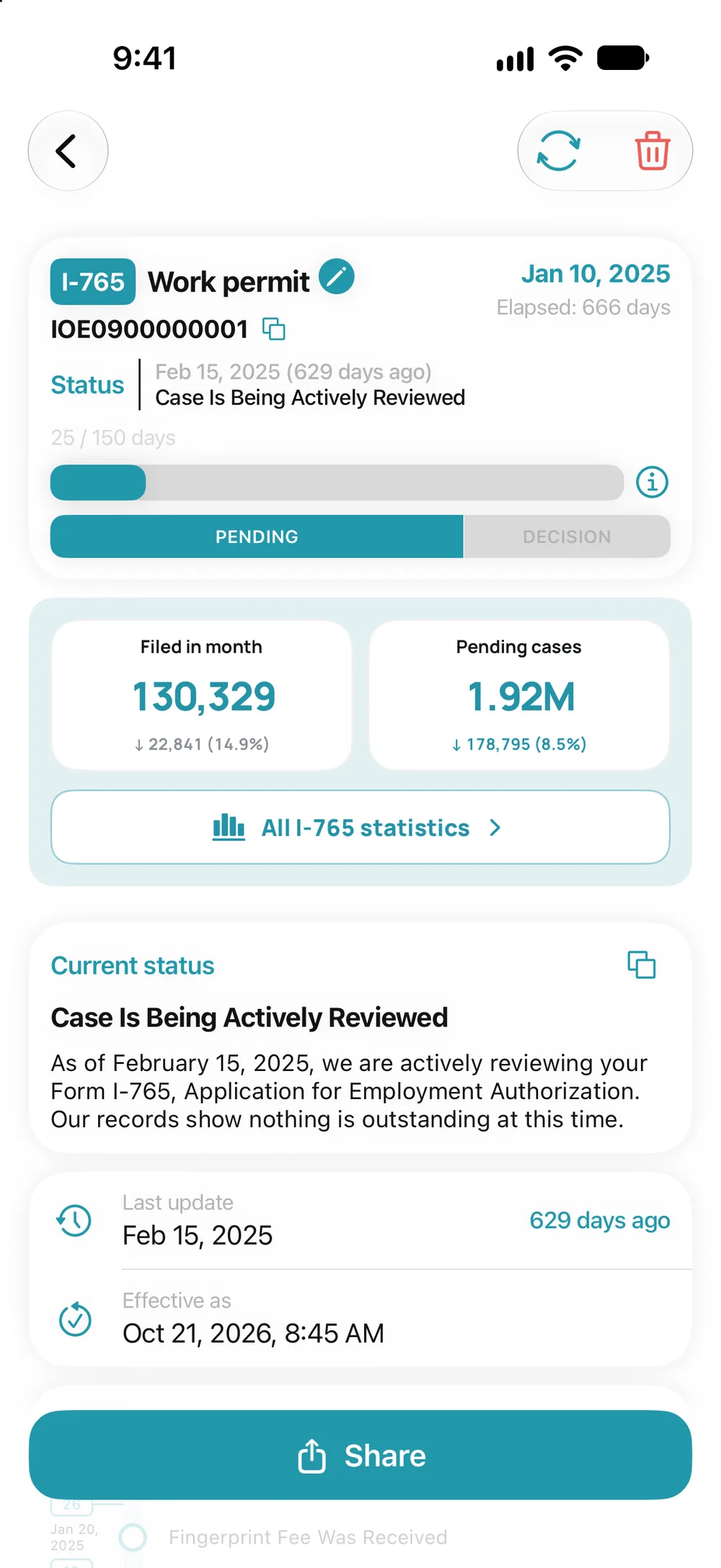
Further down the screen: the full status text, when it changed, and every status change on a timeline.
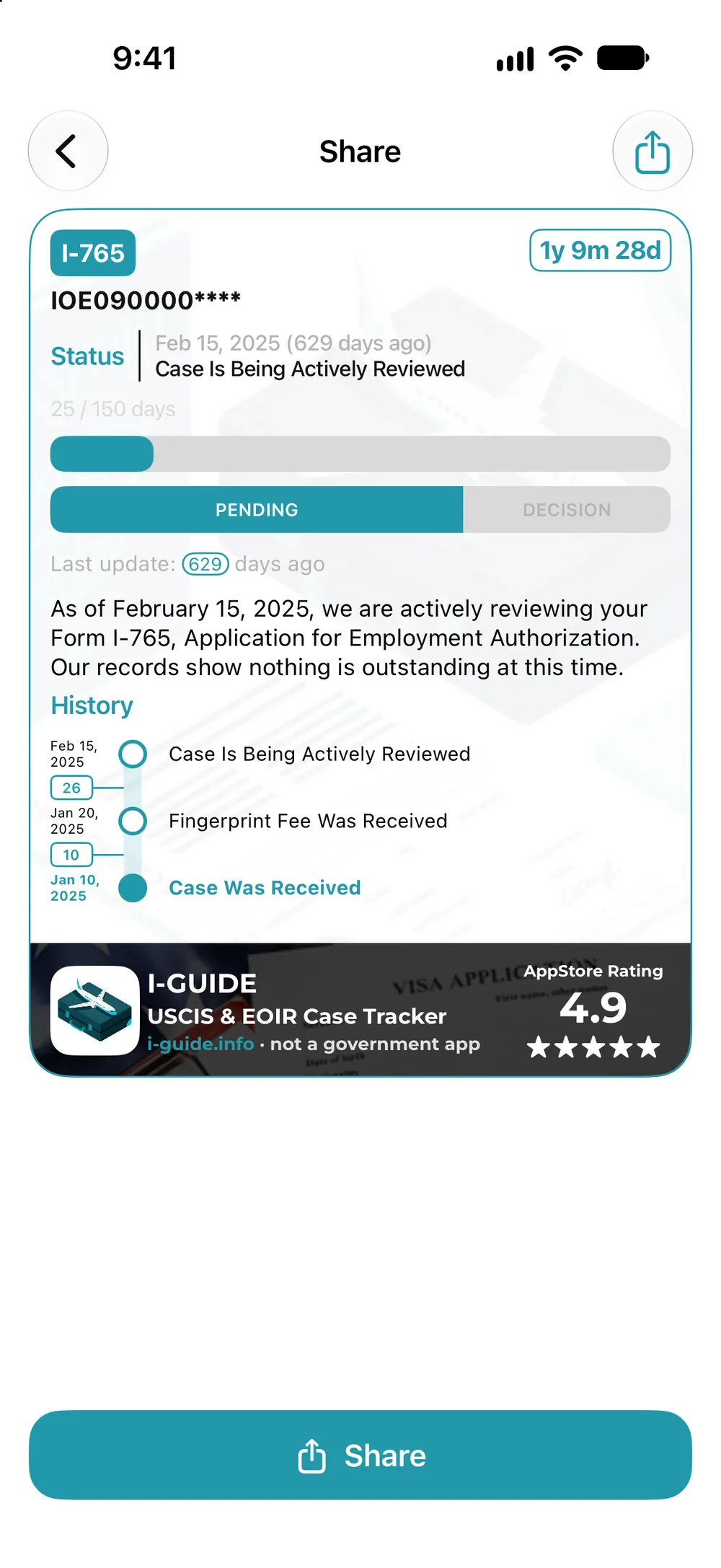
Your case becomes an image. Part of the number is hidden, and there’s no name on it.
Roughly how much longer you’ll wait for a USCIS decision. Until the time is calculated, the box shows “?”. Tap “Calculate”.
Choose the form category and the office or service center. You can tell the center from the first three letters of your case number.
The bar fills up to where your case is now: 2.6 months since filing. The 5.7-month mark is still far off: that’s how long it takes USCIS to decide half of these applications.
Roughly how much longer you’ll wait. The first number: a 50% chance of a decision within 3 months. The second, in orange: an 80% chance within 12.5 months.
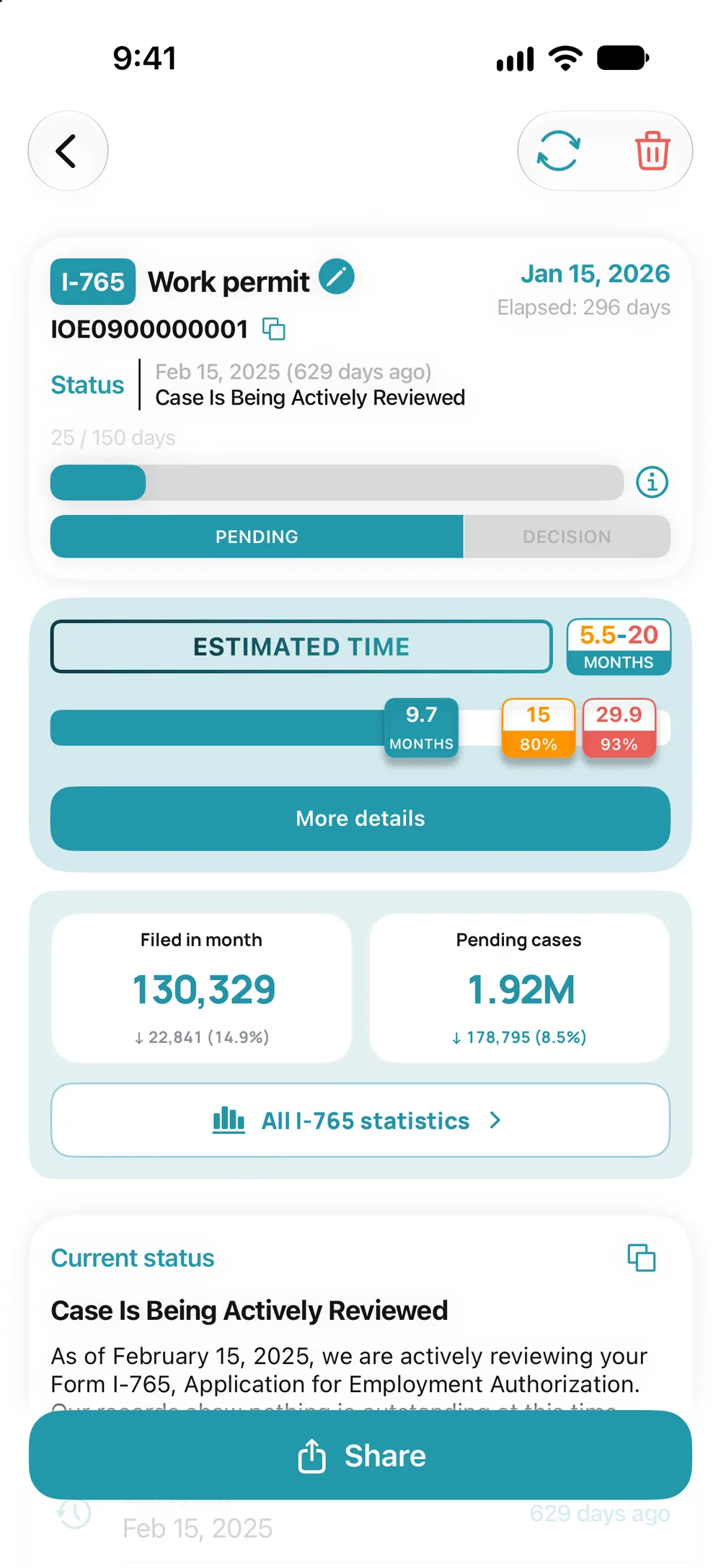
The case has been pending for 9.7 months, so the 50% mark is passed and gone. Next come 80 and 93%, and the box shows 5.5 to 20 months.
Your case has been pending longer than it takes to decide 80% of applications. One mark is left, 93%: at that chance, you have no more than 8 months to go.
The bar turns red and a “Report USCIS” button appears: it opens a form on the USCIS website. This doesn’t guarantee a faster decision, but USCIS has to respond.
The “More details” button explains each mark. With Premium, you can turn on a notification for when you can reach out to USCIS.
Next hearing, judge and court address. Tap the hearing to add it to your calendar, or the address to open Maps.
What changed in the case and when: hearing date and type, format, judge.
Three tabs: courts, USCIS and ICE. No sign-in needed, and locked blocks open with Premium.
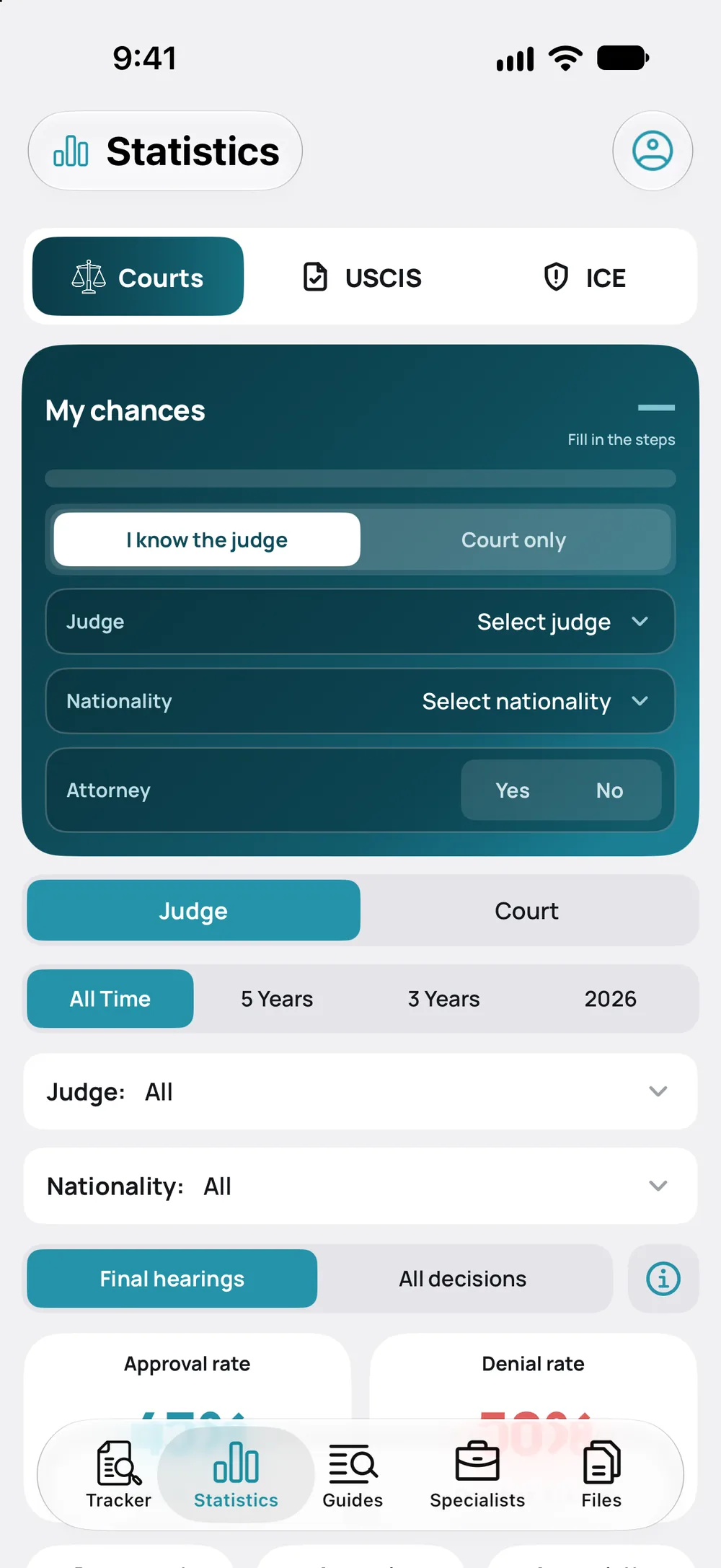
Choose a judge or just a court, a nationality, and whether you have an attorney.
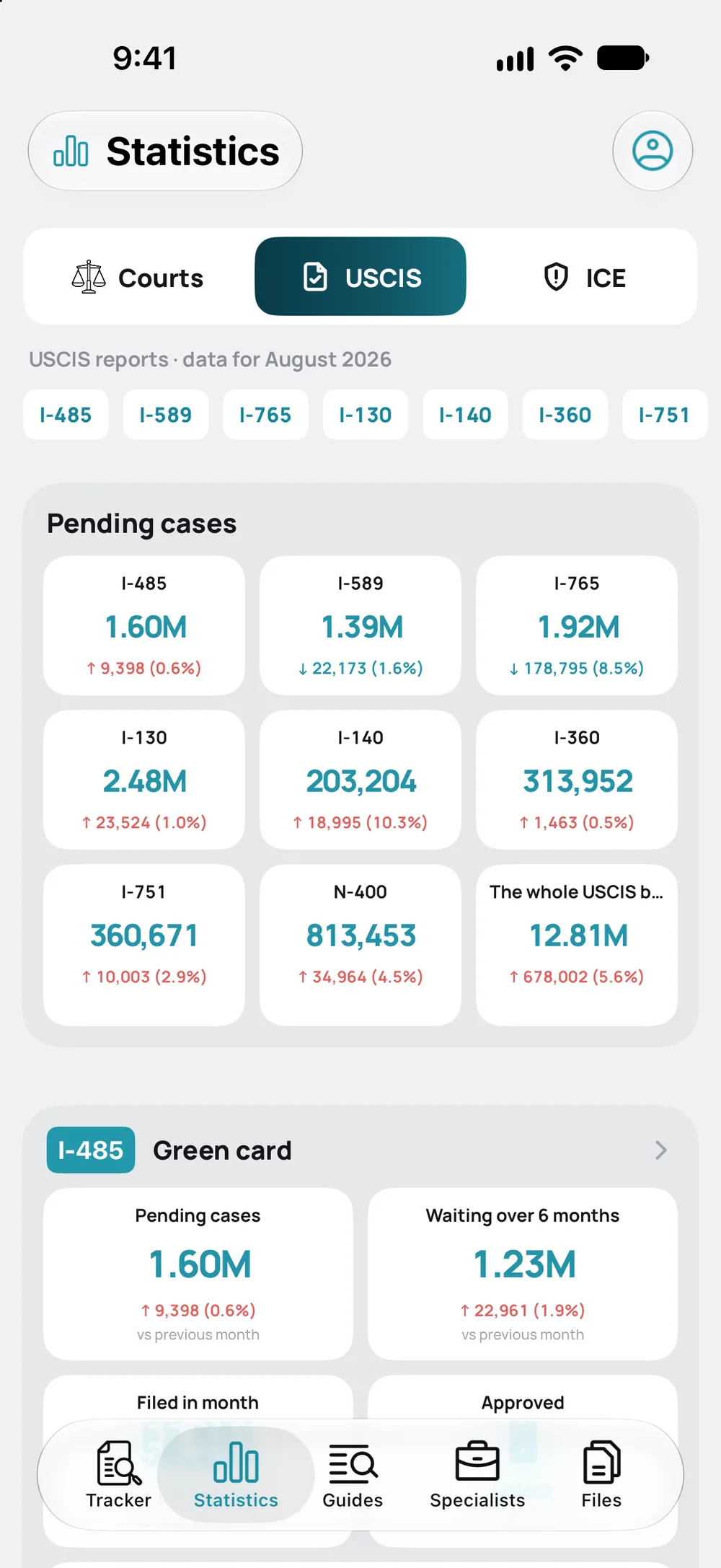
How many cases are waiting for a decision on each form and how the backlog has changed. The form buttons lead to detailed statistics.
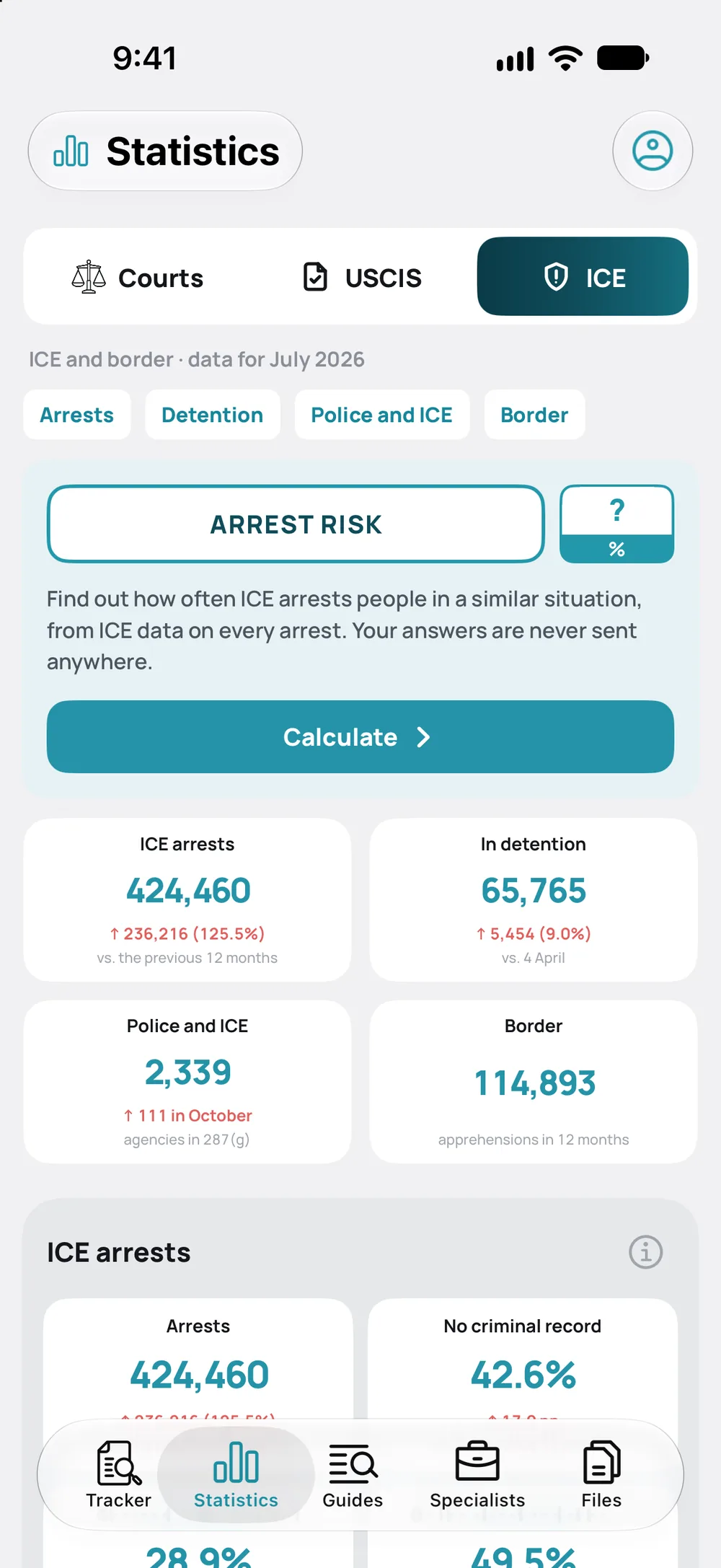
Arrests, detention, the border. “Arrest risk” gives an estimate based on your answers, and your answers aren’t sent anywhere.
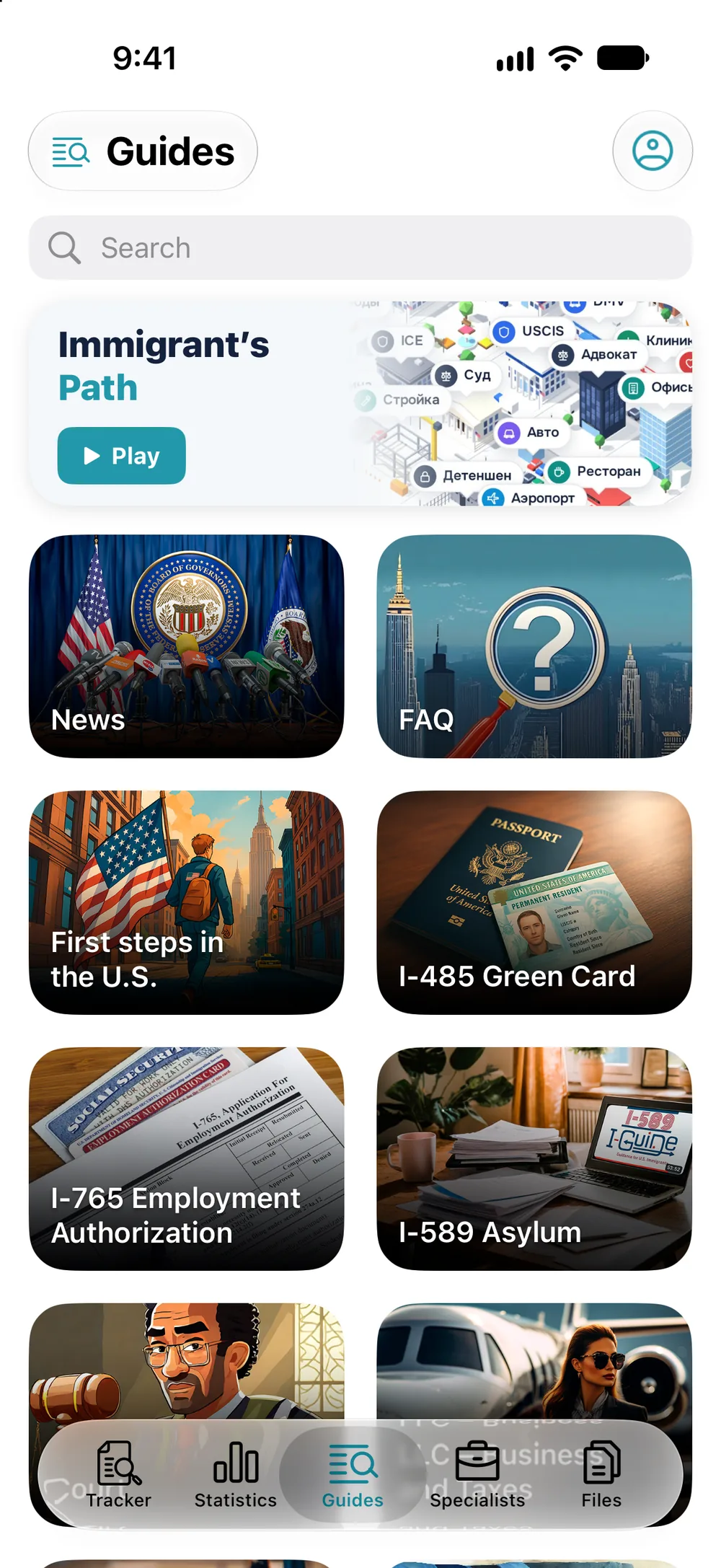
How-tos, answers to common questions and news, with search. Some articles include videos and files.
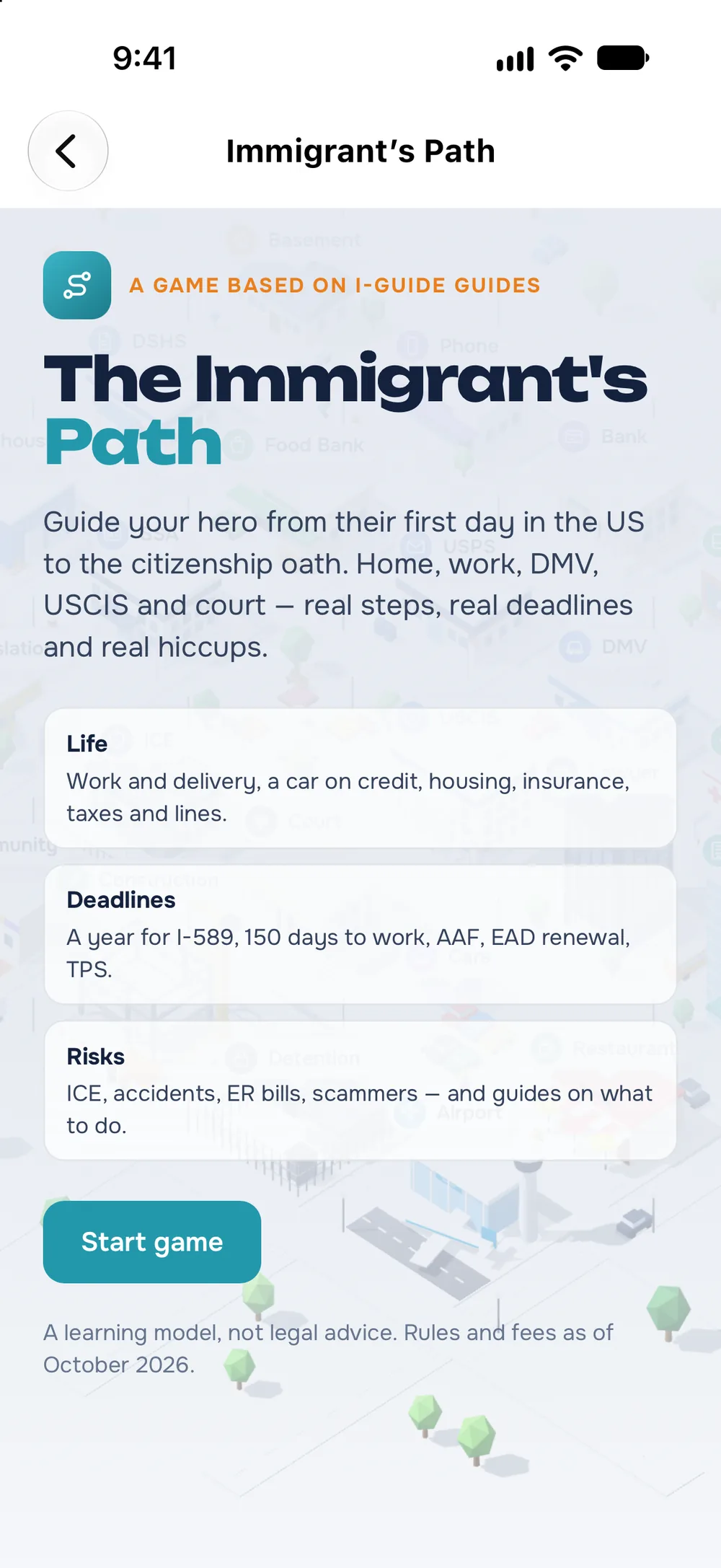
A game based on the guides: from your first day in the U.S. to the citizenship oath. Works offline.
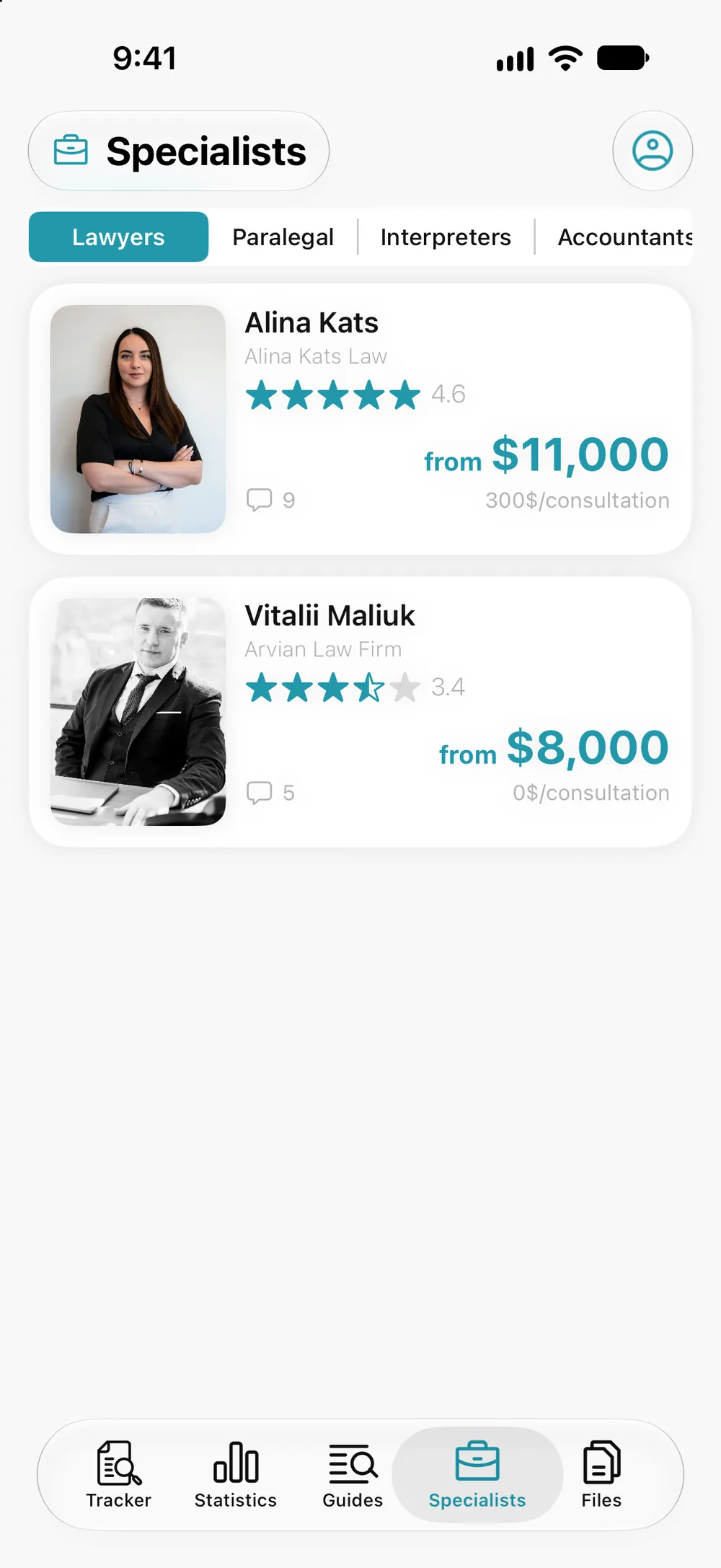
From lawyers to translators and accountants: ratings, prices and reviews. Choose a category and open a card.
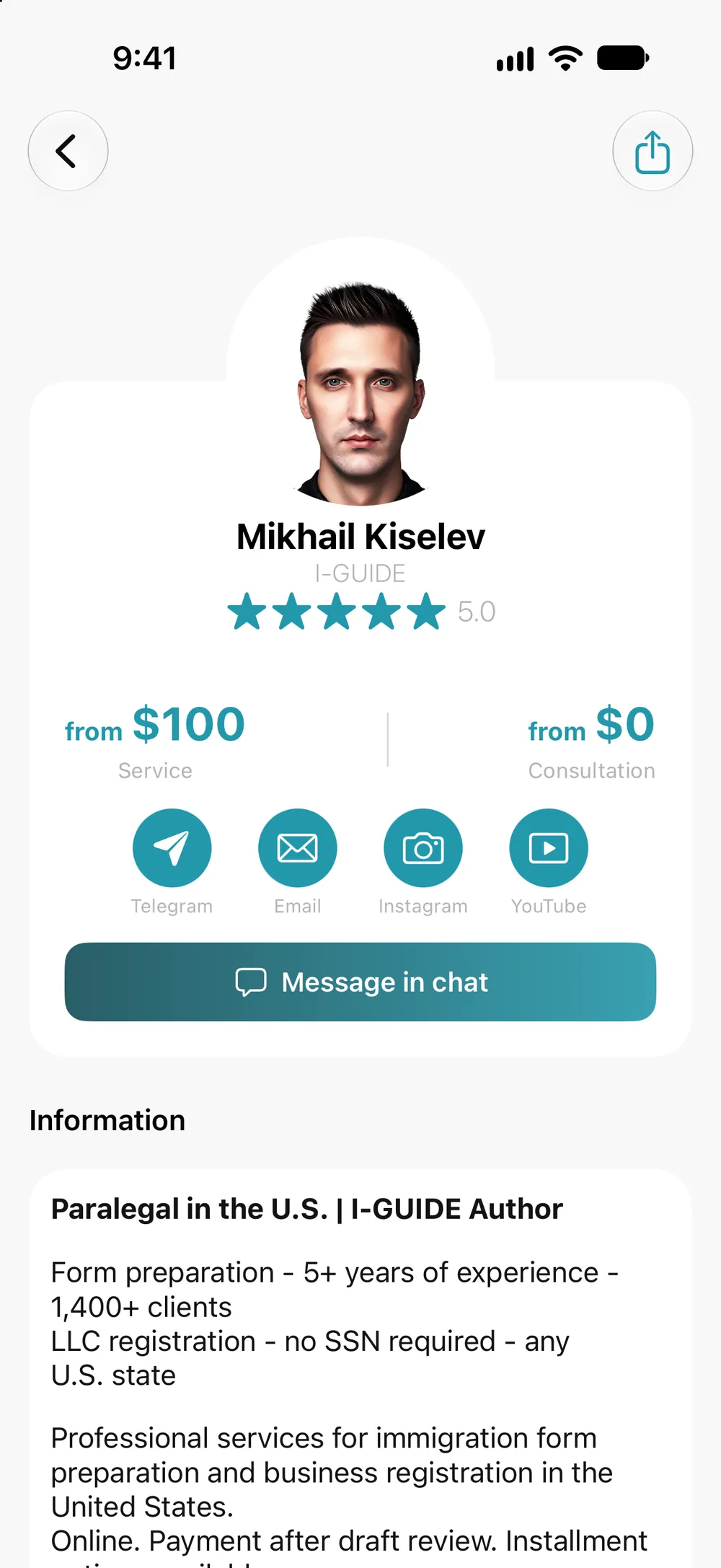
The big button is the way the specialist prefers to be contacted: a call, a message on Telegram or WhatsApp, or another method. Their other contacts are the icons above it.
If the specialist accepts chat, you’ll see a “Message in chat” button. Only you and the specialist can see the conversation.
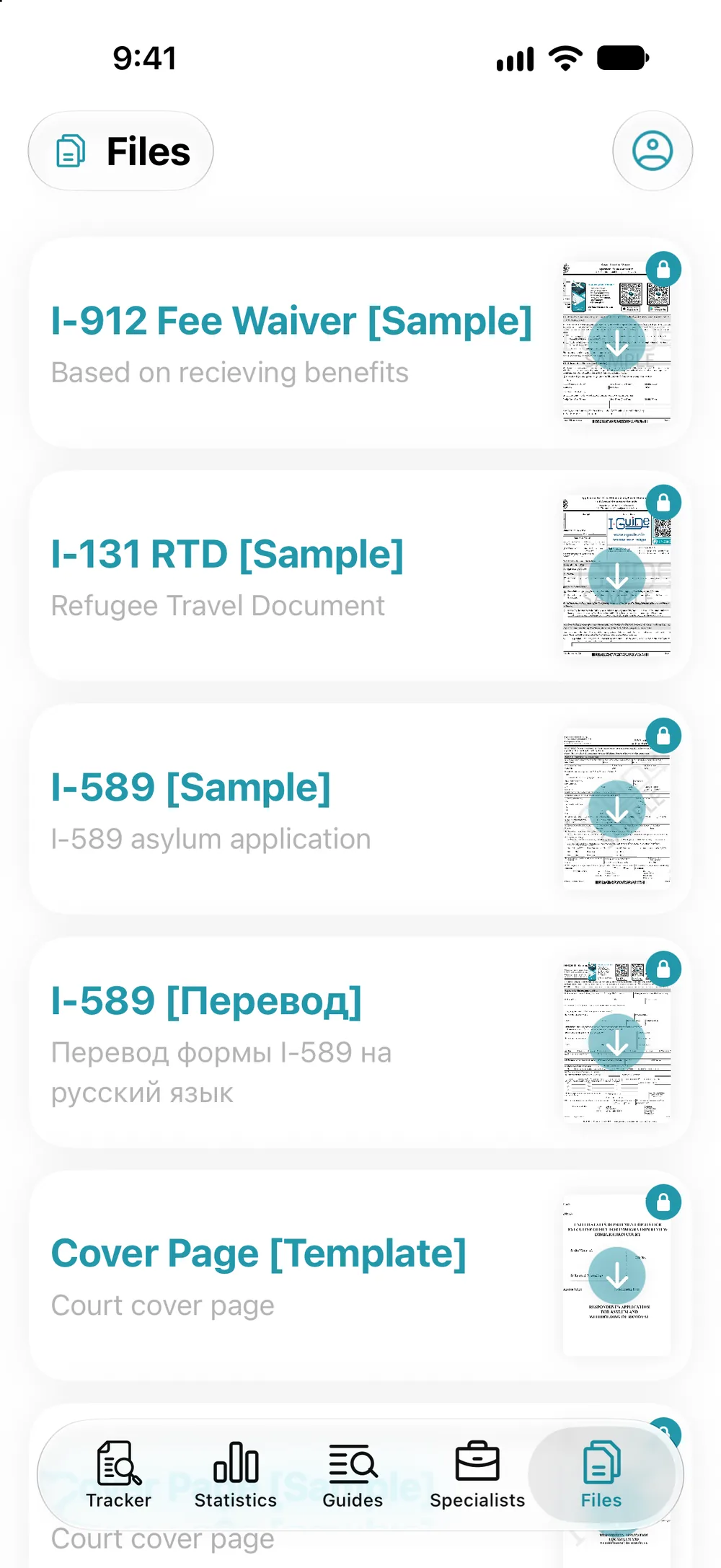
The “Files” tab: sample forms and blank forms for court. Tap the preview with the arrow. You need to sign in to download, and files with a lock open with Premium.
Your I-94, passport and work permit, always at hand. Open your profile and tap “My Documents”.
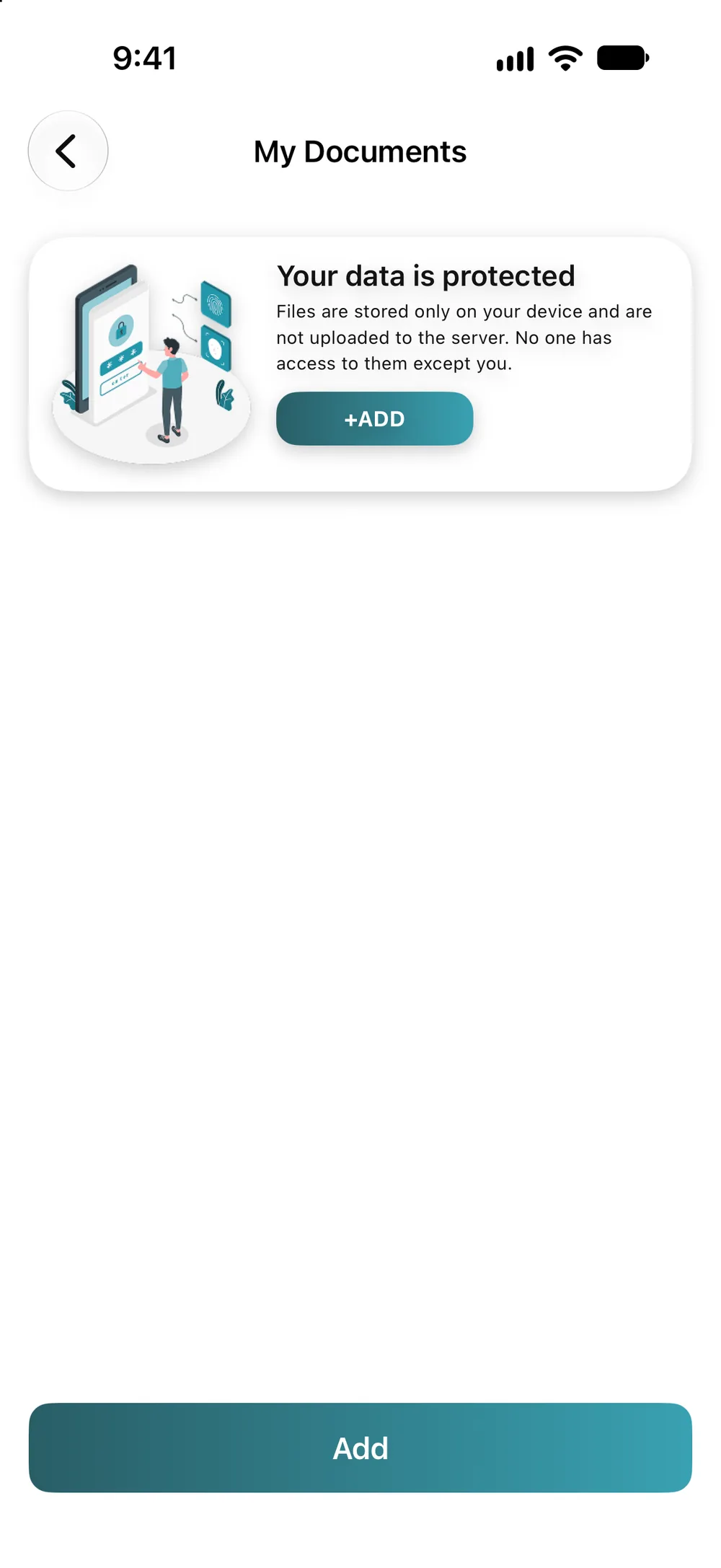
Documents are stored only on your device and aren’t uploaded to a server. Add a photo from your camera or gallery, or a PDF.
Name the document and sort it into folders. PDF, JPG, JPEG, PNG and HEIC all work.
What’s in the app, section by section.
All your USCIS and court cases in one list: open the app and see at once what has changed.
Understand what your status means: a plain-language explanation and the full case history.
Don’t miss your hearing: date, time, court address and judge on one screen.
Find out roughly how much longer you have to wait. Past the normal time? Send a complaint to USCIS from the link in the app.
Don’t miss the annual asylum fee: the app reminds you of your I-589 anniversary and gives you the payment link.
Show your status to your lawyer or family in one image. Part of the number is hidden.
See how your court and judge decide, and estimate your chances. Plus USCIS queues and ICE data. No sign-in needed.
Keep scans and photos of your documents at hand. They are stored only on your device.
Fill in forms by example: view and download ready samples and blank forms.
Find a lawyer, translator or accountant: ratings, prices and contacts are shown up front.
Ask a specialist in a private chat and read reviews from others.
Work it out yourself: step-by-step guides, answers to questions and news, with videos and files.
From your first day in the U.S. to the citizenship oath. Works offline.
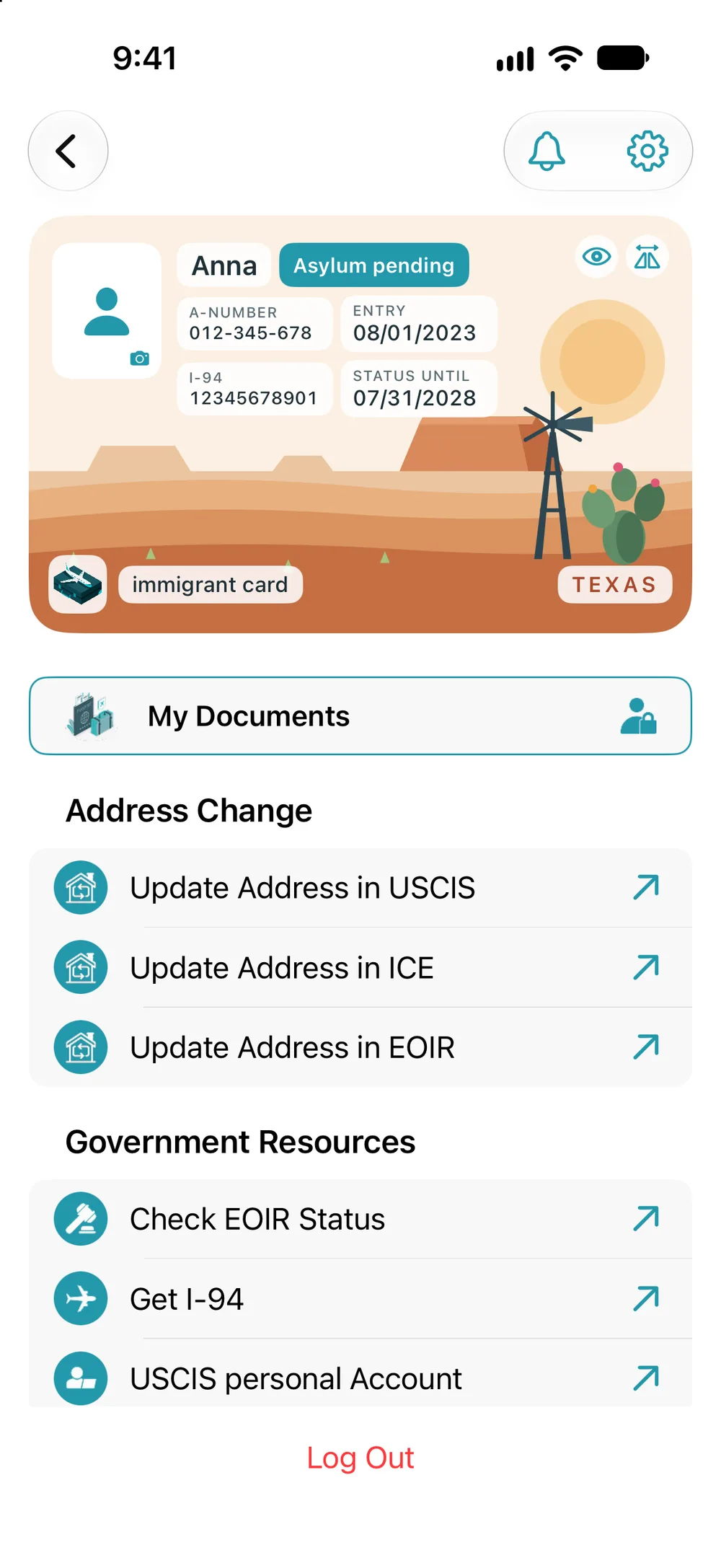
All your numbers in one place: A-number, I-94, work permit, attorney and emergency contact. You can hide the numbers.
Nothing gets lost: all notifications about your case status, hearings, chat, news and the fee are kept in one center.
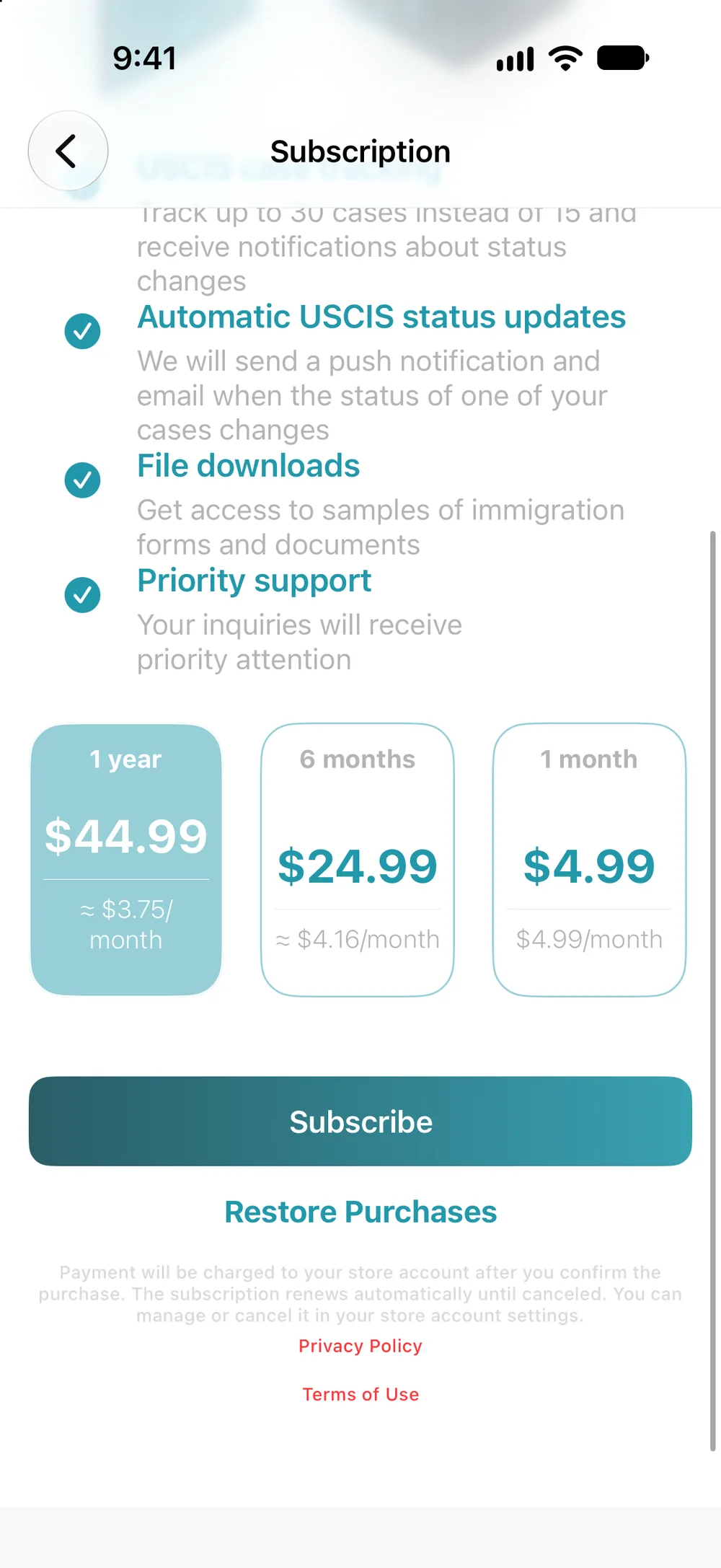
Stop checking by hand: USCIS statuses update on their own. Plus more cases, all statistics, sample forms and support chat.
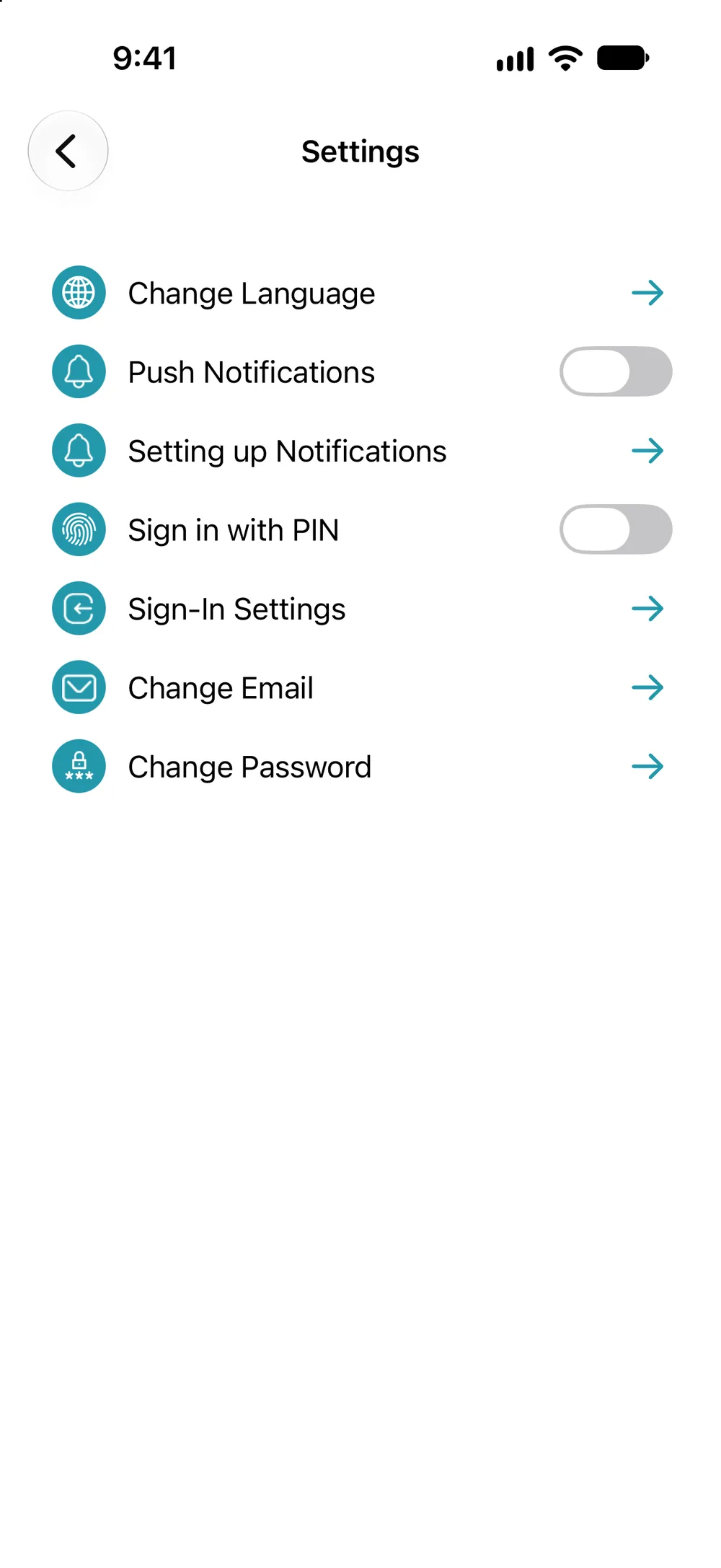
Address change at USCIS, ICE and EOIR, links to I-94 and your USCIS account, language, PIN code and Face ID.
Short how-tos: what to tap and in what order.