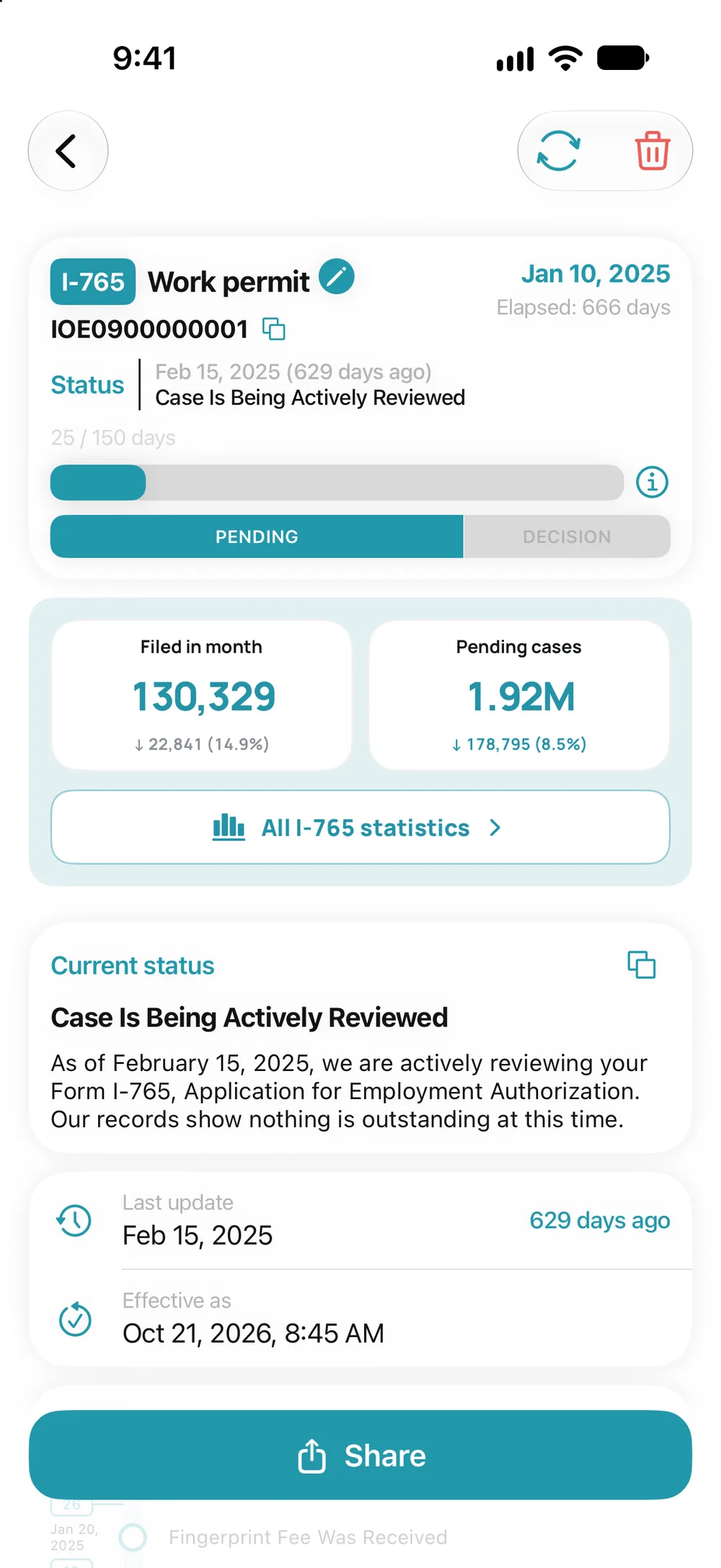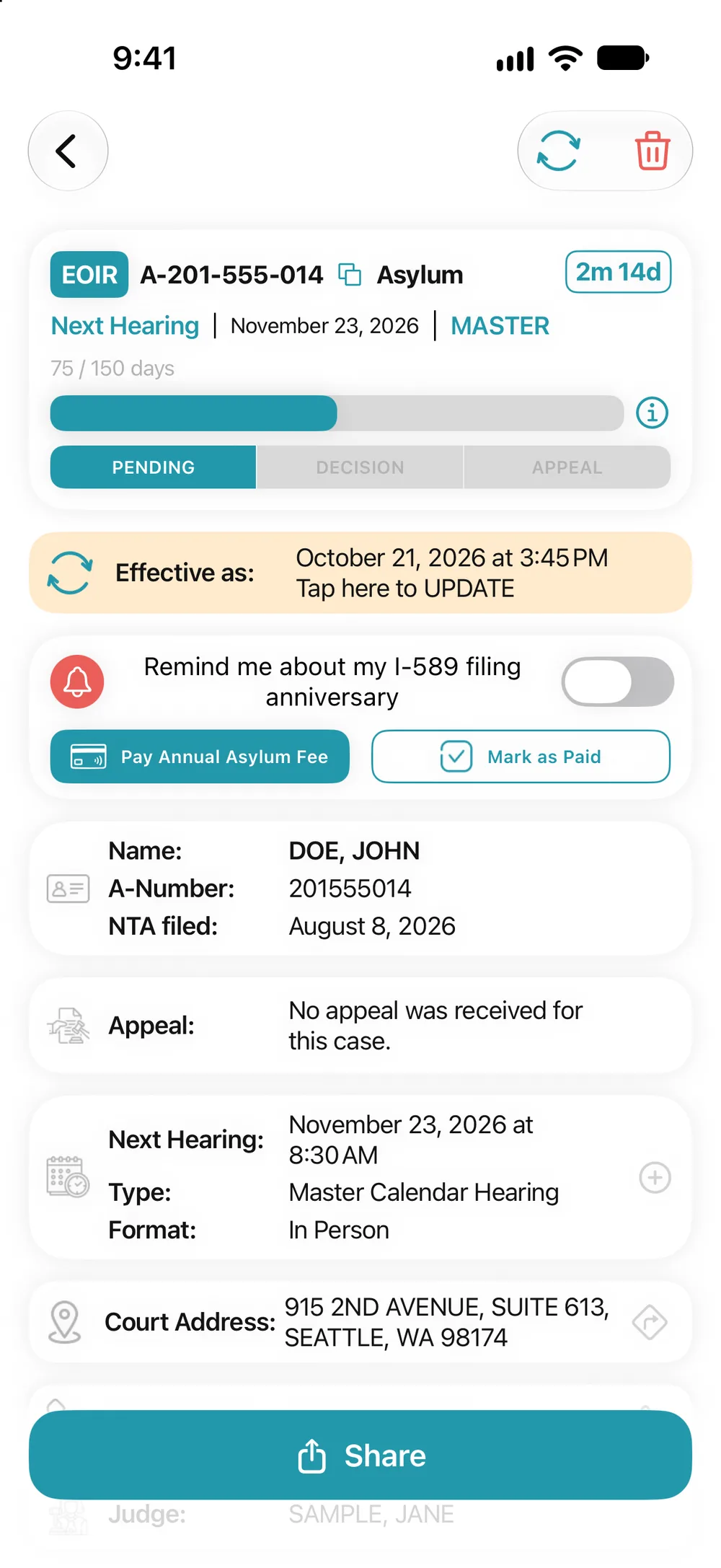
How to update a case
- USCIS: the refresh icon in the case, or pull down the list in the Tracker.
- Court: the refresh icon in the case, or “Tap here to UPDATE”.
With Premium, USCIS statuses update automatically, and you get a push notification and an email when something changes.