How to get a wait time forecast
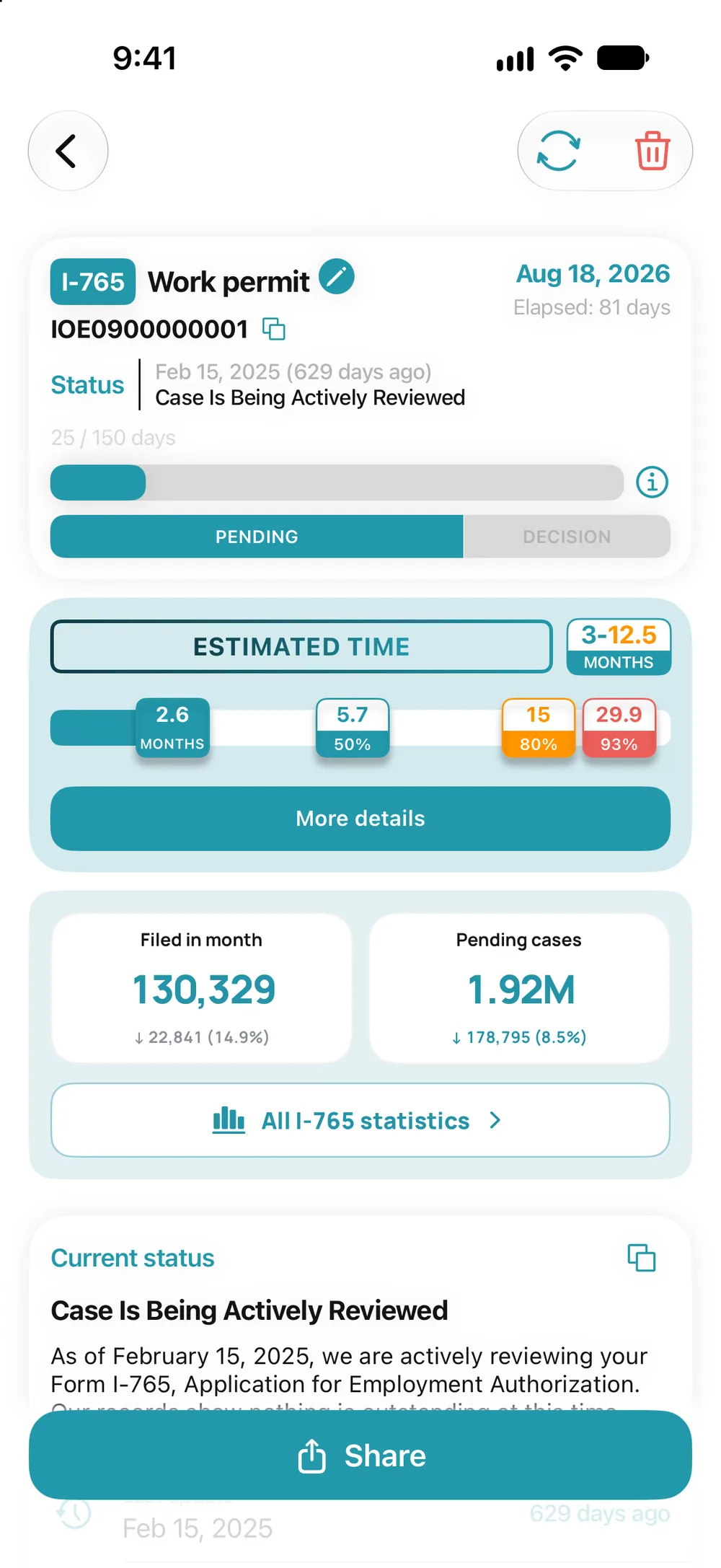
- Open a pending USCIS case, go to the “Estimated time” block and tap “Calculate”.
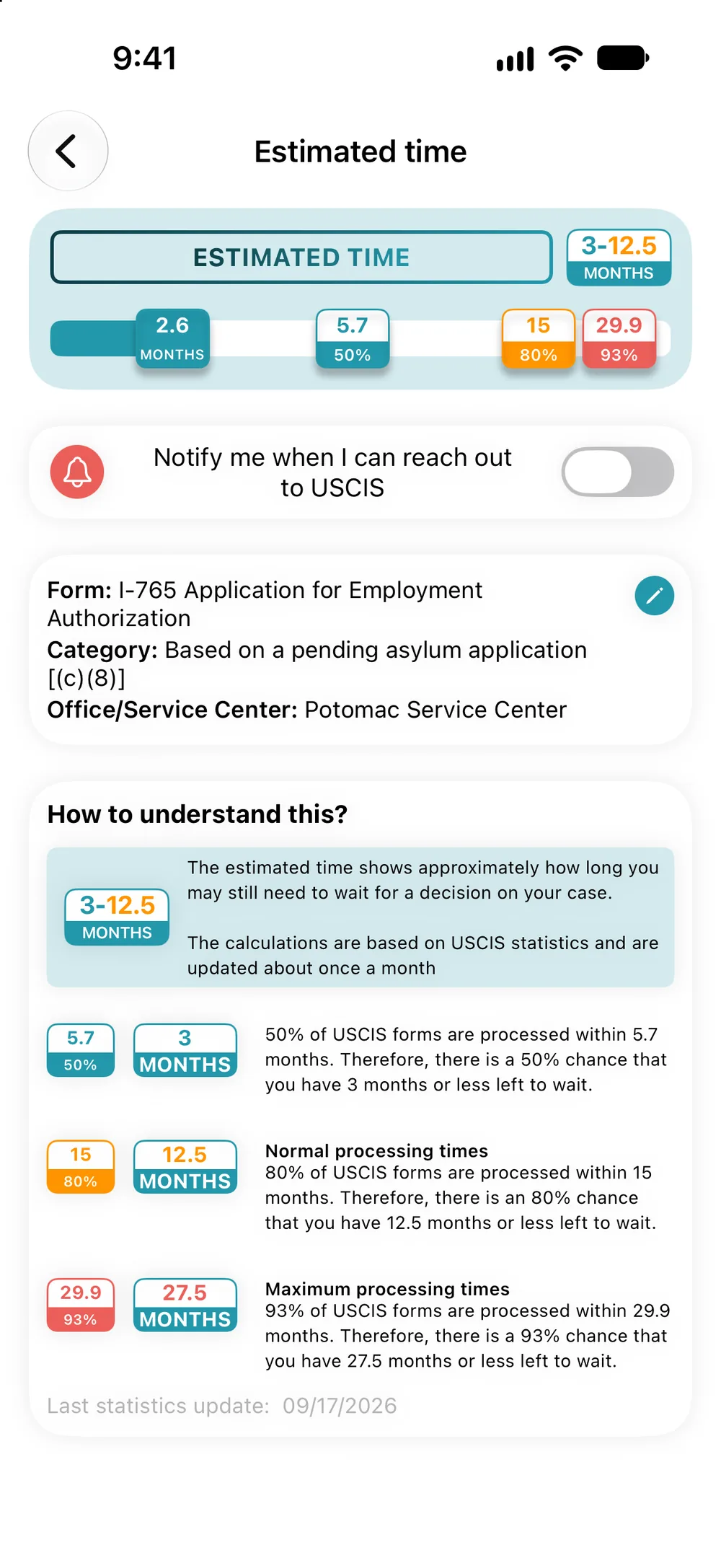
- Choose the form category and the office, then tap “Save”.
- The bar shows how long your case has been pending, and the 50, 80 and 93% marks show how long it takes USCIS to decide that share of applications. “More details” explains each mark.
The forecast is only for USCIS cases. If your case runs past the normal time, the app offers to send a complaint to USCIS.