How to filter and sort cases
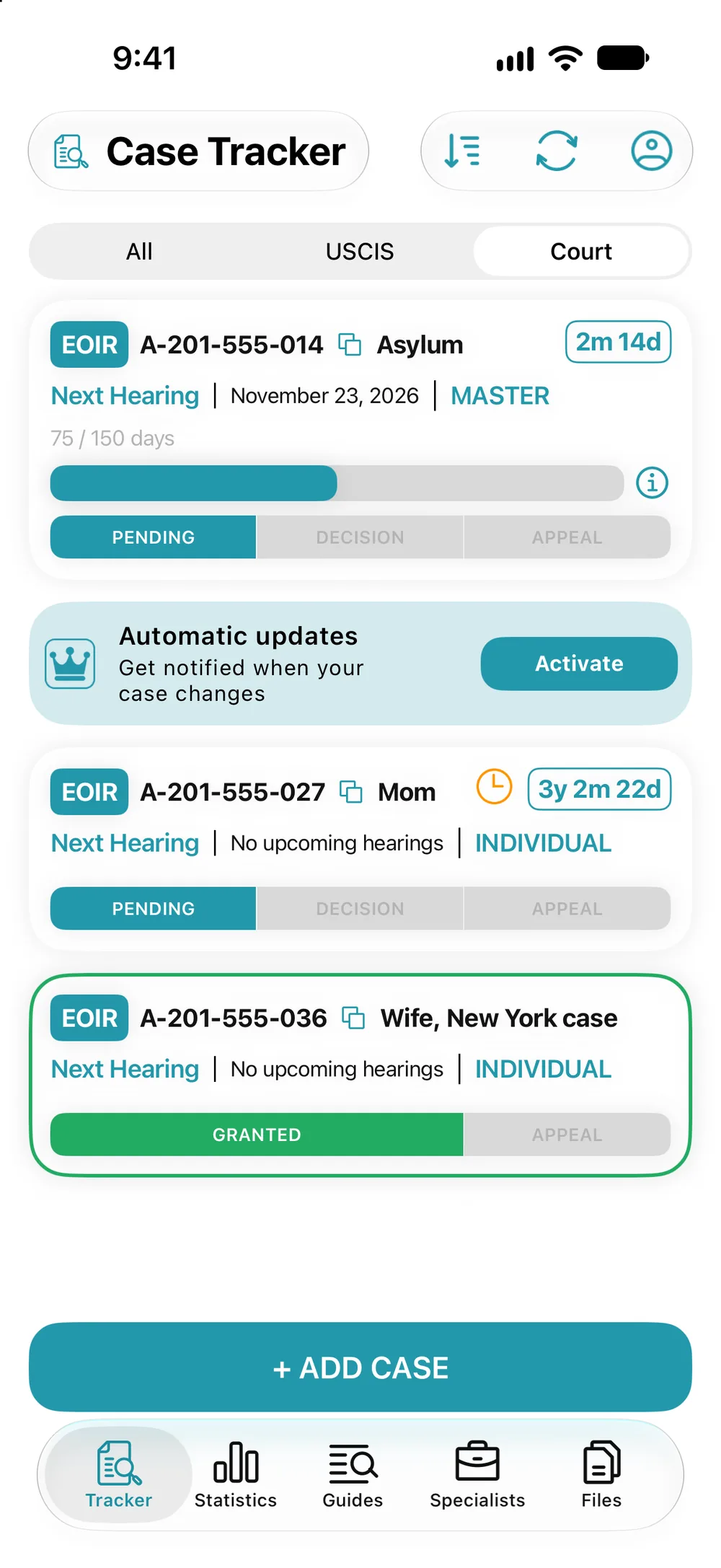
- The switch at the top of the Tracker shows “All”, only “USCIS” or only “Court”.
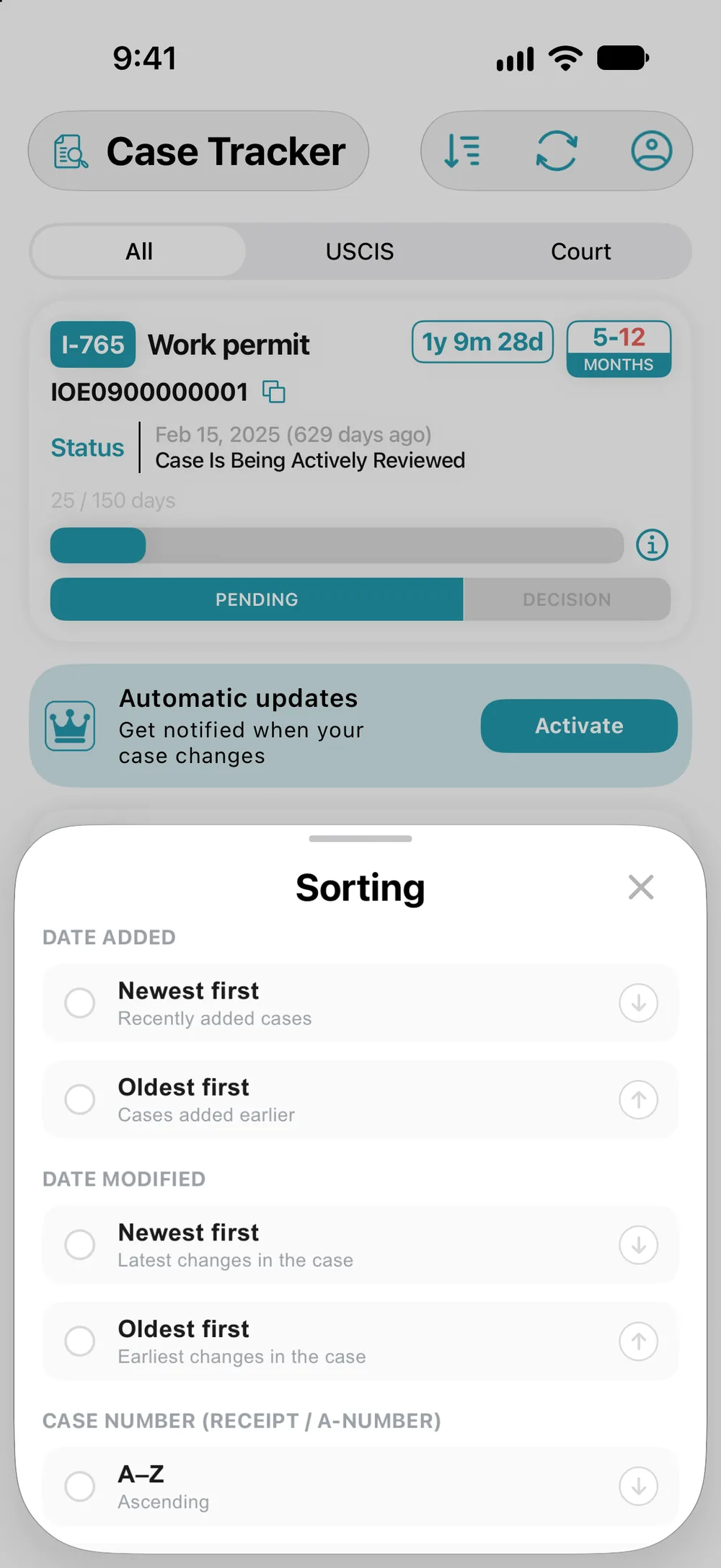
- The sort icon opens the “Sorting” sheet: date added, date modified, case number, form type or “Manual”.
- To set your own order, press and hold a card, then drag it. Sorting switches to “Manual” on its own.