
How to subscribe or restore a subscription
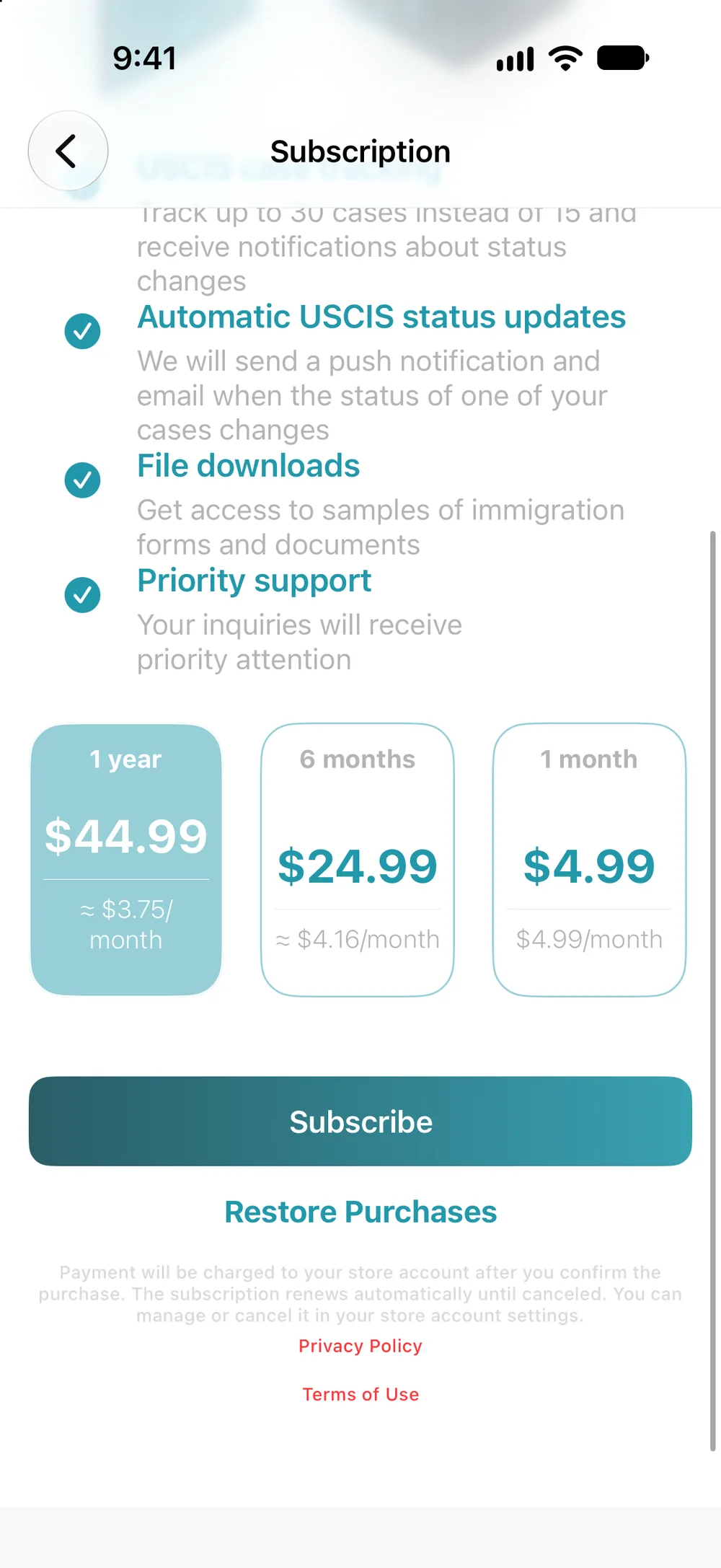
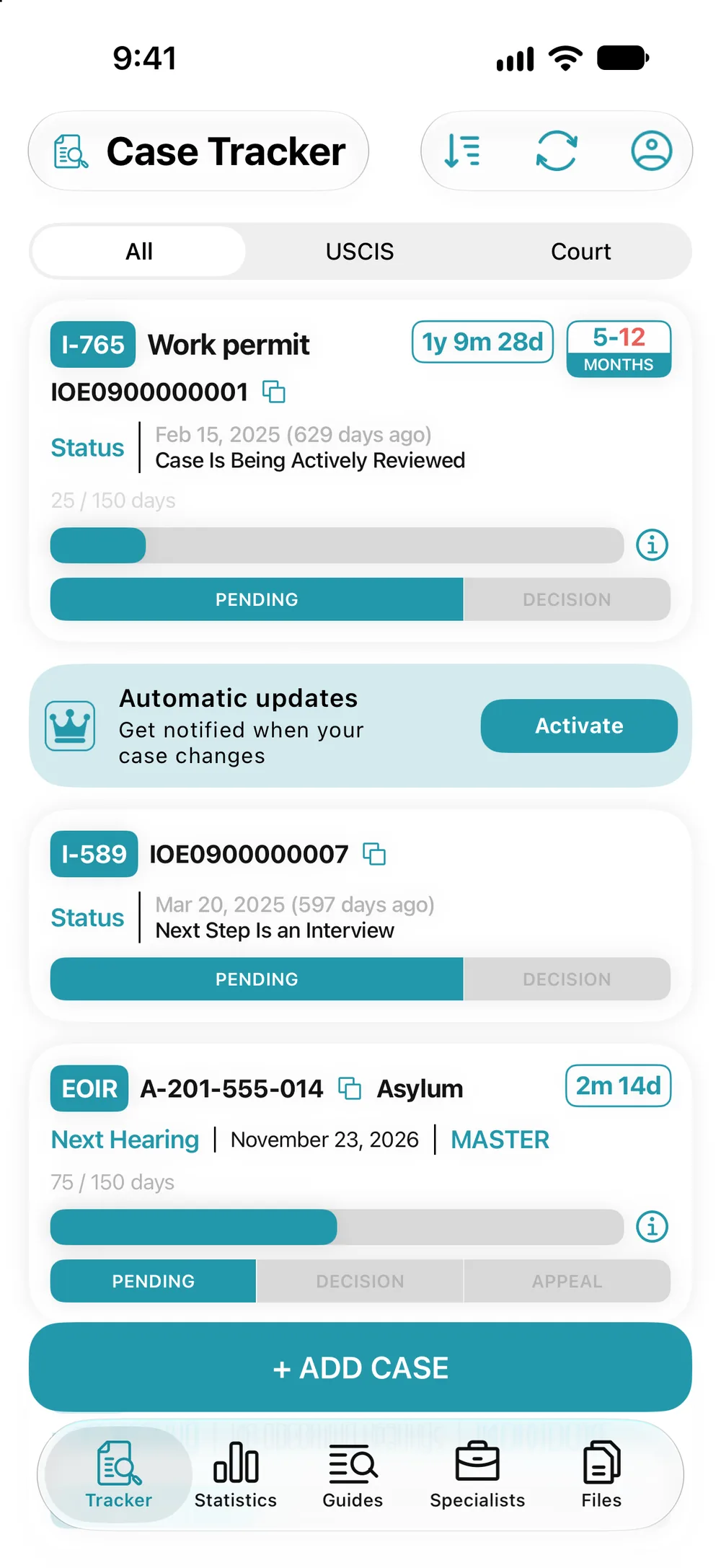
- Profile, “Subscription”, or “Activate” in the Tracker.
- Choose a plan and tap “Subscribe”.
- Confirm the purchase in the App Store window.
If you’ve subscribed before: “Restore Purchases” on the same screen.
If you’ve subscribed before: “Restore Purchases” on the same screen.