How to register
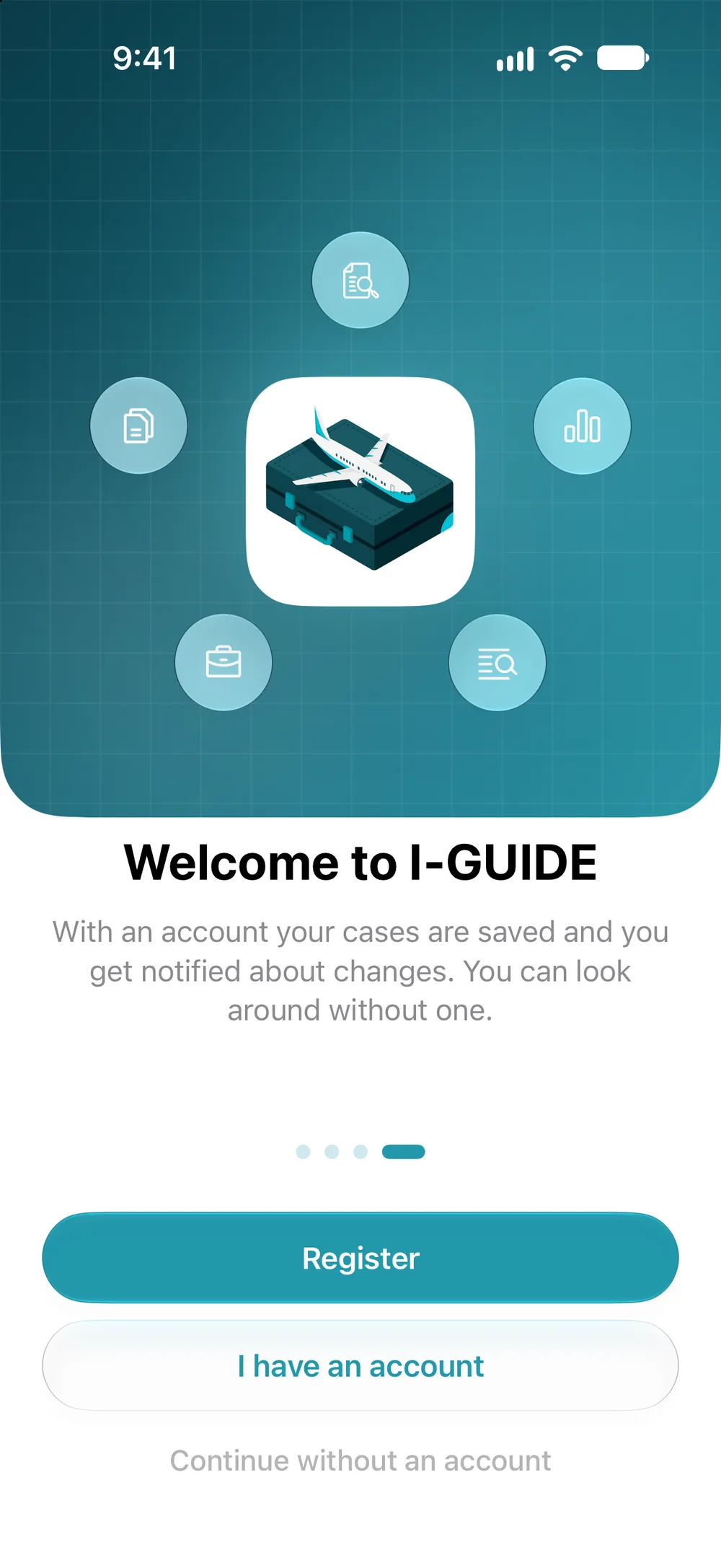
- On the last page of the first launch, tap “Register”. Later on, it’s the same: profile icon, “Sign In”, “I AM A NEW USER”.
- Enter your email and a password of at least 8 characters, then tap “Register”.
- Enter the 4-digit code from the email and tap “Next”. You can resend the code after 60 seconds.
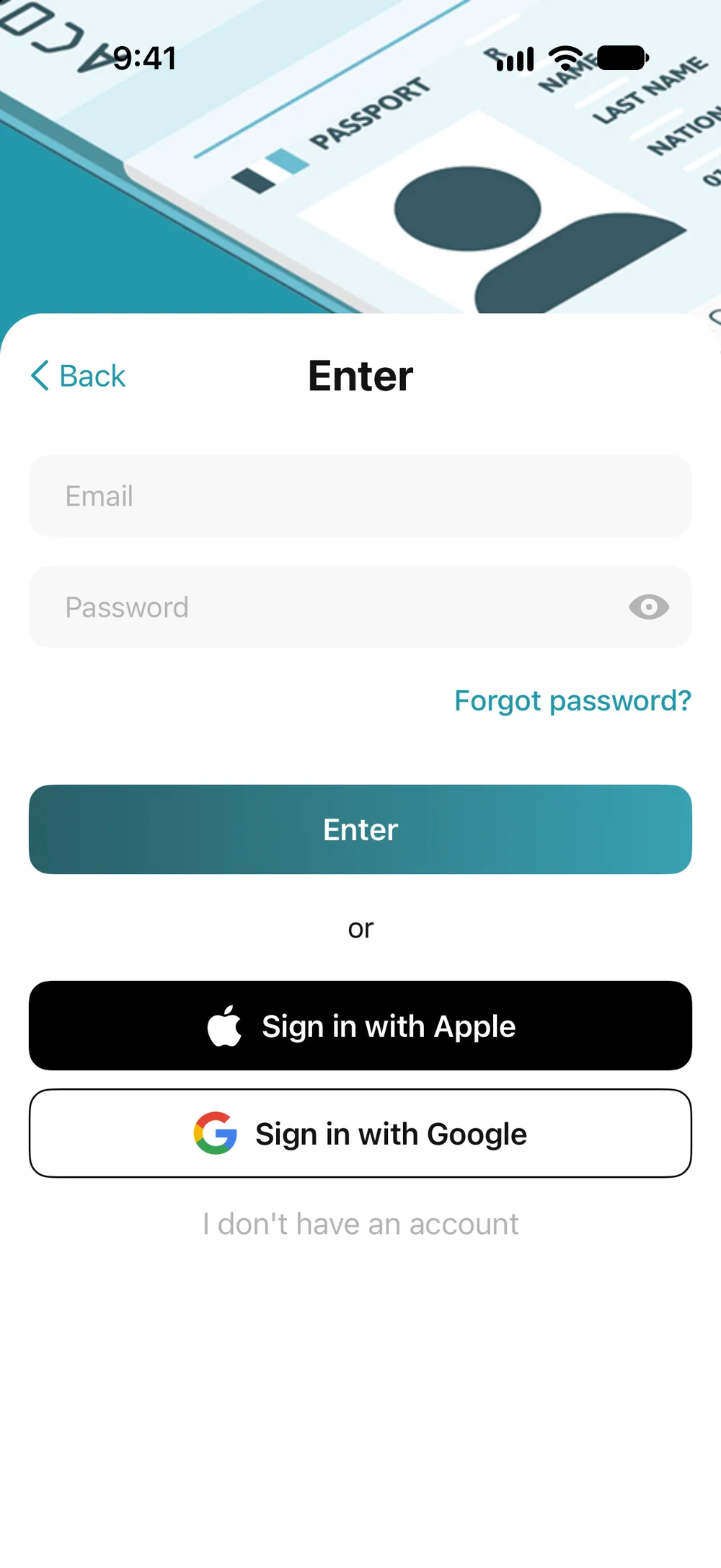
You don’t need a name or phone number, just an email and a password. You can also use the “Sign in with Google” or “Sign in with Apple” buttons: the app then gets the email and name from your account. In the Apple window, you can change the name and hide the email by choosing “Hide My Email”.